Gemini Intelligence vs AI Screen Assistants: What Actually Helps
Google I/O 2026 just dropped a wave of AI announcements for Android. Gemini Intelligence is the big one — Google is weaving AI deeper into the OS with on-screen awareness, task automation across apps, and proactive suggestions. It sounds like exactly what every Android user has been waiting for.
But after building an AI screen assistant for Android for the past year, I’ve learned that there’s a big gap between what AI can do at the OS level and what actually helps you get things done on a Tuesday afternoon. Let me break down what’s new, what’s genuinely useful, and where third-party tools still fill real gaps.
What Gemini Intelligence Actually Does
Google announced several features under the “Gemini Intelligence” umbrella at I/O 2026:
- On-screen awareness: Gemini can now “see” what’s on your screen and offer contextual actions — similar to what Pixel’s “Circle to Search” started, but deeper.
- Cross-app task completion: AI can fill out forms, browse the web, and complete multi-step tasks across different apps without you switching between them.
- Proactive suggestions: Instead of waiting for you to ask, Gemini proactively offers to summarize an article, extract a calendar event, or translate text it detects on screen.
- Voice-driven actions: Dictate speech, fill forms, and control apps with natural voice commands.
This is impressive technology. Google is building AI into the fabric of Android in a way that no third-party app can fully replicate. The OS-level access is the clear advantage — Gemini can read your screen without accessibility APIs, interact with system apps directly, and operate with permissions that regular apps can’t get.
But here’s the thing: I talk to Android users every day — over 28,000 of them use Arc, my AI screen assistant app. And the features they ask for most often aren’t the flashy AI demonstrations. They want reliability. Speed. The ability to do one thing well instead of ten things poorly.
Where OS-Level AI Falls Short in Practice
I’m not here to trash Google’s work — Gemini Intelligence is genuinely exciting. But I’ve been in the trenches building on-screen AI for Android, and the reality of OS-level features is messier than the keynote suggests.
Latency Matters More Than Capability
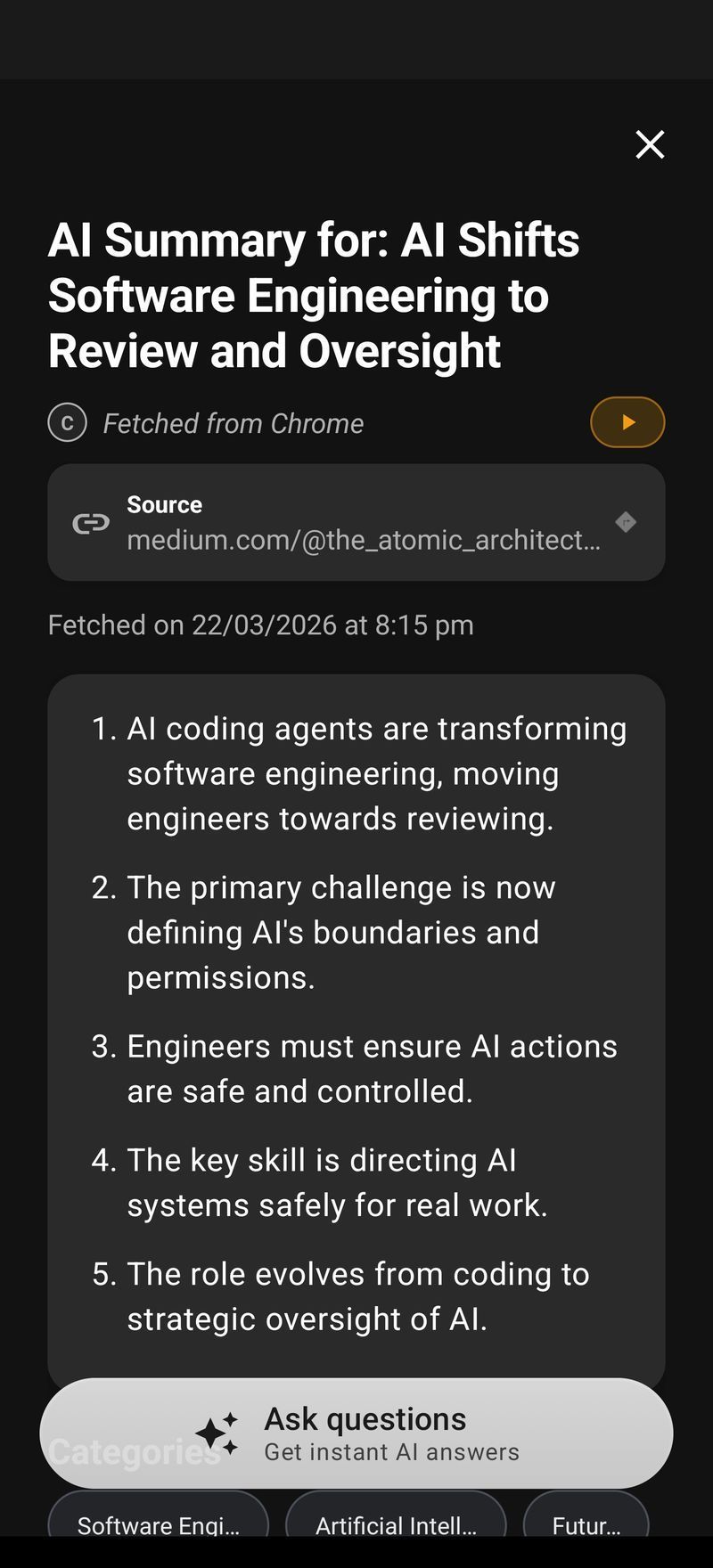
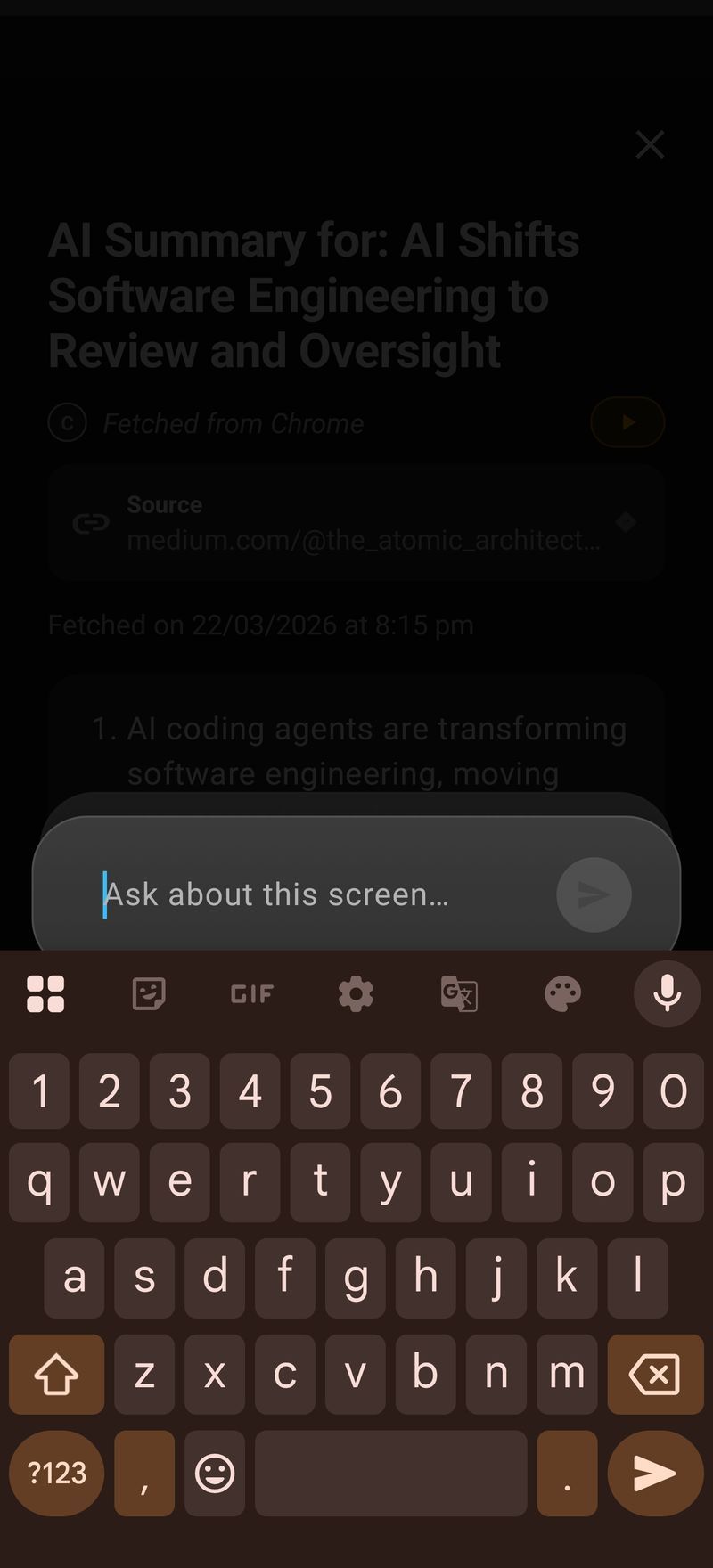
When you’re reading an article and want a quick summary, you don’t want to wait for a cloud round-trip, context processing, and a generated response. You want it now. The biggest feedback I get from Arc users is that the 2-3 second summary time is the difference between using it and not bothering.
OS-level AI features often have latency built in — they’re designed to be thoughtful, contextual, and thorough. That’s great for complex tasks. For the quick “summarize this for me right now” use case, lightweight and fast wins.
Customization Is Not a Luxury — It’s the Feature
Gemini Intelligence gives you what Google thinks you need. A summary. A translation. A calendar extraction. That covers maybe 70% of what people actually want.
The other 30%? That’s where it gets interesting. A medical student who wants AI to extract drug interactions from a PDF. A researcher who needs to fact-check claims on a web page. A professional who wants AI to draft a reply in their own tone of voice. A language learner who wants every unfamiliar word explained in context.
These are all real use cases from Arc users. And none of them are things Gemini Intelligence handles out of the box.
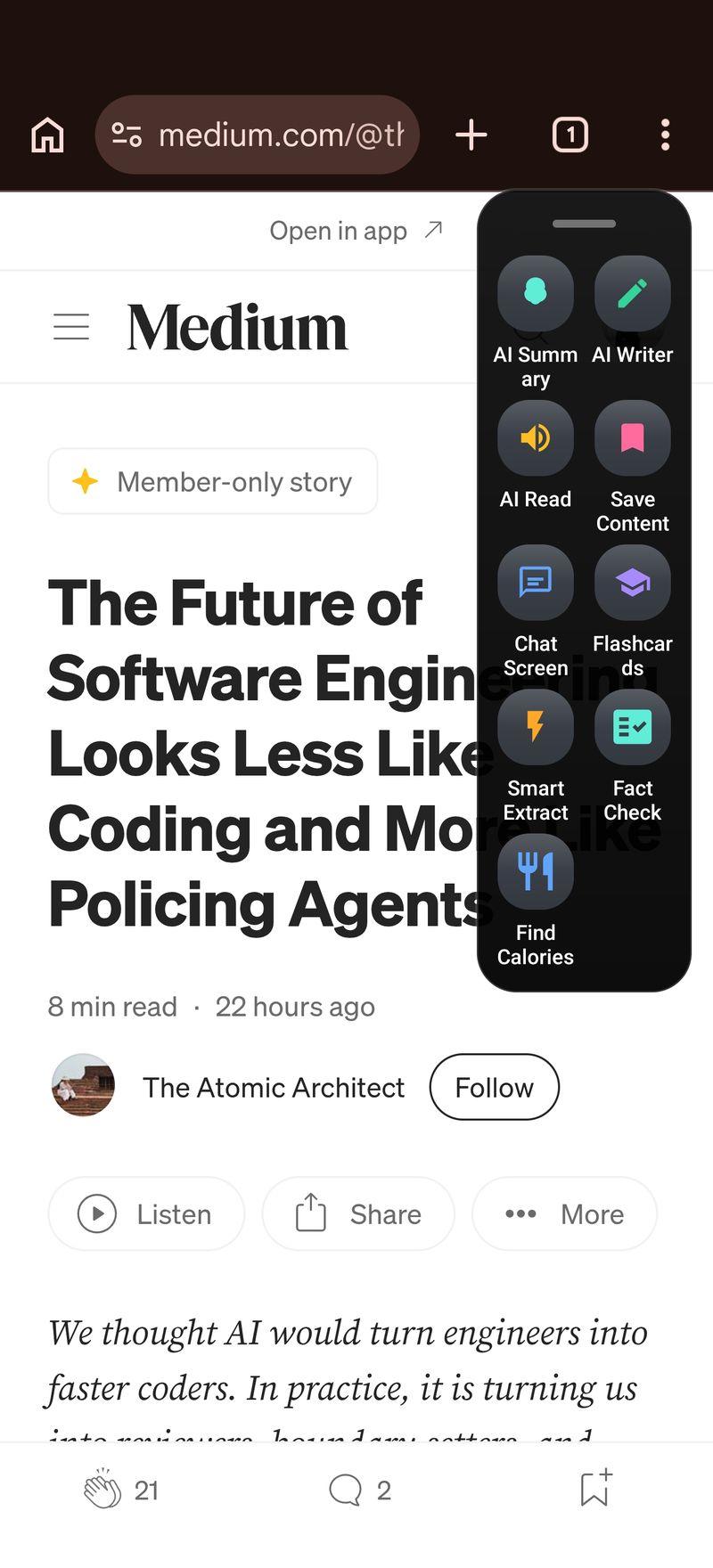
This is where custom AI actions come in. Instead of waiting for Google to support your specific workflow, you create it yourself — write a prompt, save it to your sidebar, and use it with one tap on any screen.
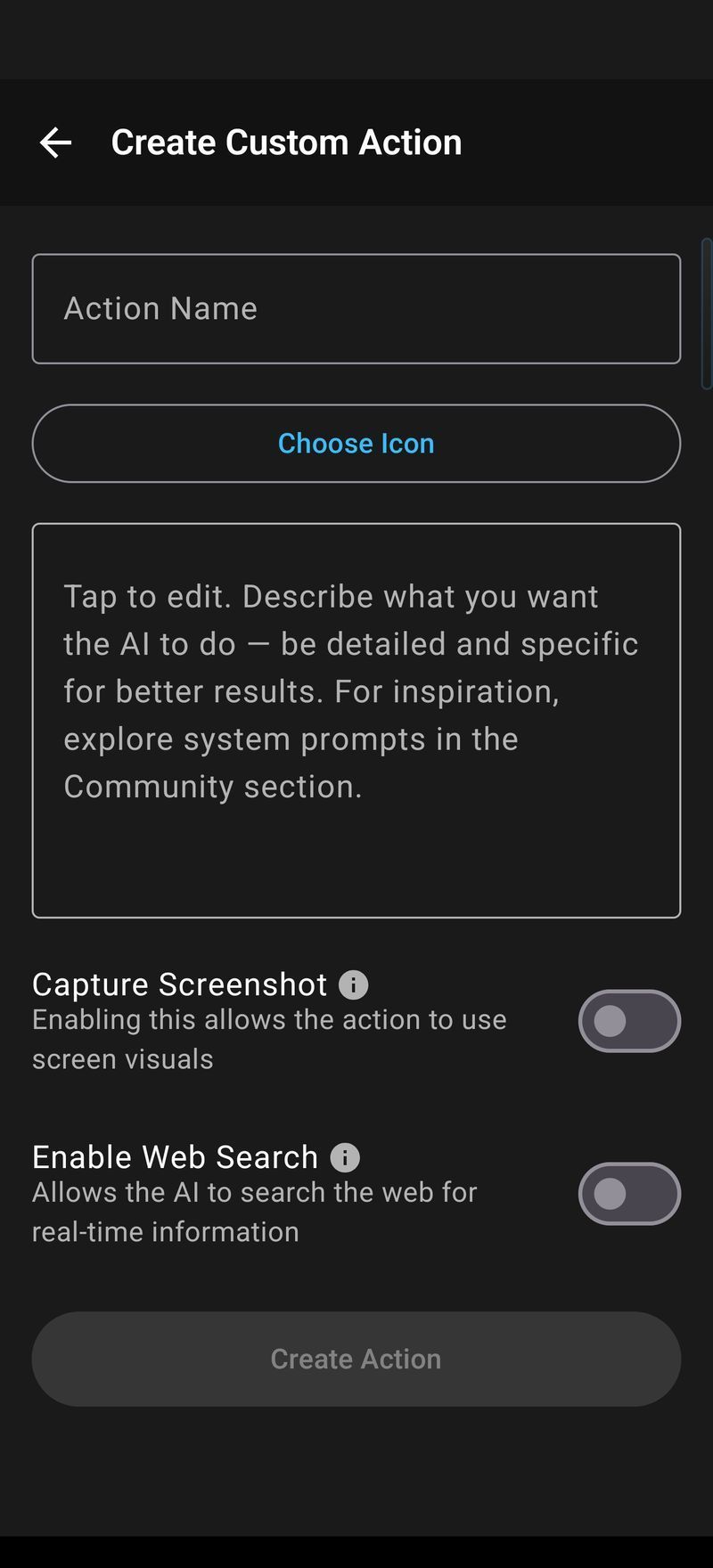
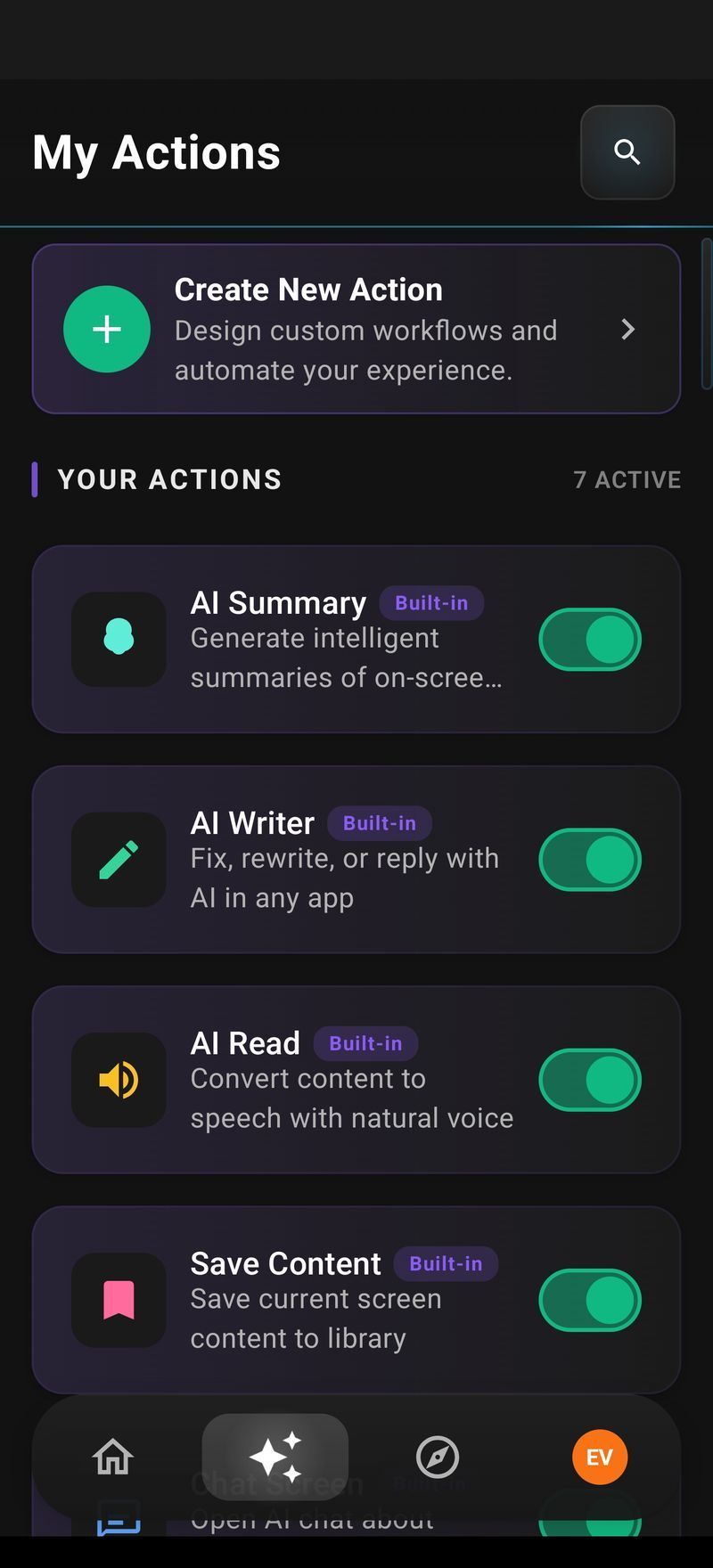
I built this because I needed it myself. I was constantly copying text between apps to run different AI prompts, and the friction killed the workflow. One-tap access to your own AI commands — that’s the feature that turns AI from a novelty into a daily tool.
Privacy Choices Matter
Gemini Intelligence processes on-screen content through Google’s cloud. That’s how it gets its power — large models, deep context, rich understanding. It’s a reasonable tradeoff for many people.
But a significant portion of Android users — especially outside the tech-enthusiast bubble — care about what happens to their screen content. Banking apps. Medical records. Private messages. Not everyone wants every pixel they see sent to a cloud AI.
Arc takes a middle ground: screen content is processed for the AI response but never stored on servers. Nearly 400 sensitive apps are blocked by default. Saved content stays on-device. It’s not perfect — the AI still needs to see the text to process it — but the data minimization matters to people.
What Actually Matters for Daily Productivity
After a year of watching how 28,000+ people use on-screen AI, here’s what I’ve learned matters most:
Speed beats comprehensiveness. A 3-second summary that captures 80% of the key points beats a 10-second summary that captures 95%. People want to get in, get the answer, and get out.
One-tap access beats voice commands. Voice is great for hands-free scenarios. But when you’re reading an article on your phone, tapping a floating button is faster, more discrete, and more reliable than saying “Hey Google, summarize this page.”
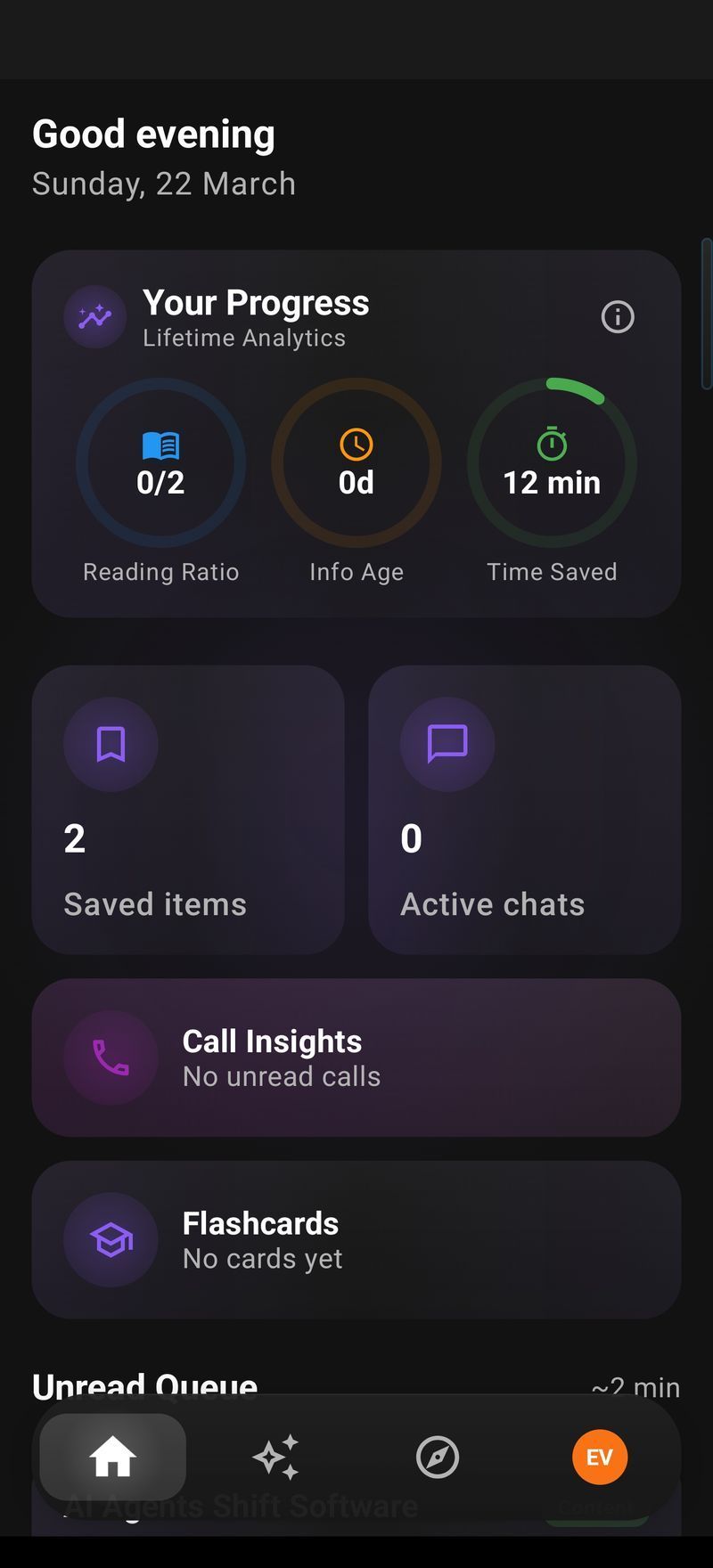
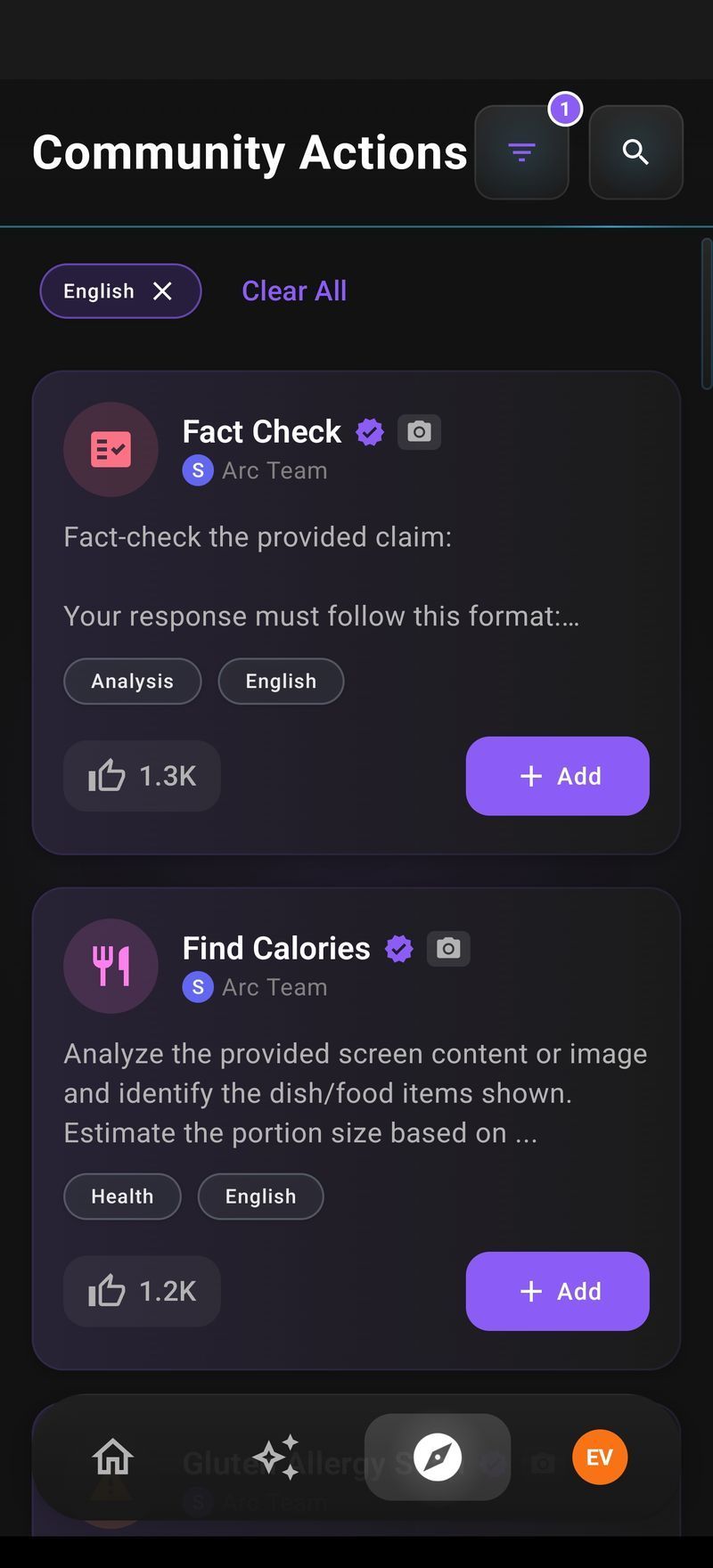
Community beats corporate. Google decides what Gemini Intelligence can do. Arc users decide what Arc can do — they share custom AI actions through Community Actions, and the best ones surface organically. Someone in Japan created a kanji explanation action that’s now used by thousands of learners. Google would never ship that feature, but a community does.
Cross-app consistency beats OS integration. Gemini Intelligence works differently in Google apps vs third-party apps. Arc works the same way everywhere — the same sidebar, the same actions, the same experience whether you’re in Chrome, Gmail, a PDF reader, or a social media app.
The Honest Takeaway
Gemini Intelligence is a big deal for Android. Google is building AI into the OS in ways that will benefit every Android user — even people who never install a third-party AI app. The on-screen awareness, cross-app automation, and proactive suggestions are real improvements.
But OS-level features move slowly. They serve everyone, which means they’re optimized for the average case. And in AI productivity, the average case isn’t your case.
If you’ve ever wished your phone could just understand what’s on your screen and do something useful with it — summarize it, read it aloud, extract the key data, draft a reply, or run a custom AI command you designed — without waiting for the next Android update, that’s exactly what Arc does.
It’s not a replacement for Gemini Intelligence. It’s a complement. Use Gemini for the system-level stuff it’s great at. Use Arc for the fast, customizable, cross-app AI that fits your workflow.
If you want to try it, Arc is available on Google Play. The free tier gives you 7 requests per week on basic features — enough to see if it fits how you work.
By Mamata, indie developer building Arc — an AI screen assistant for Android. Follow on X for updates.