
Android AI Assistant That Reads Your Screen
Arc puts a floating sidebar on every app on your phone. One tap summarizes what you're reading, reads it aloud, rewrites your reply, or runs a prompt you wrote yourself. Free on Google Play.
What Arc Does on Android
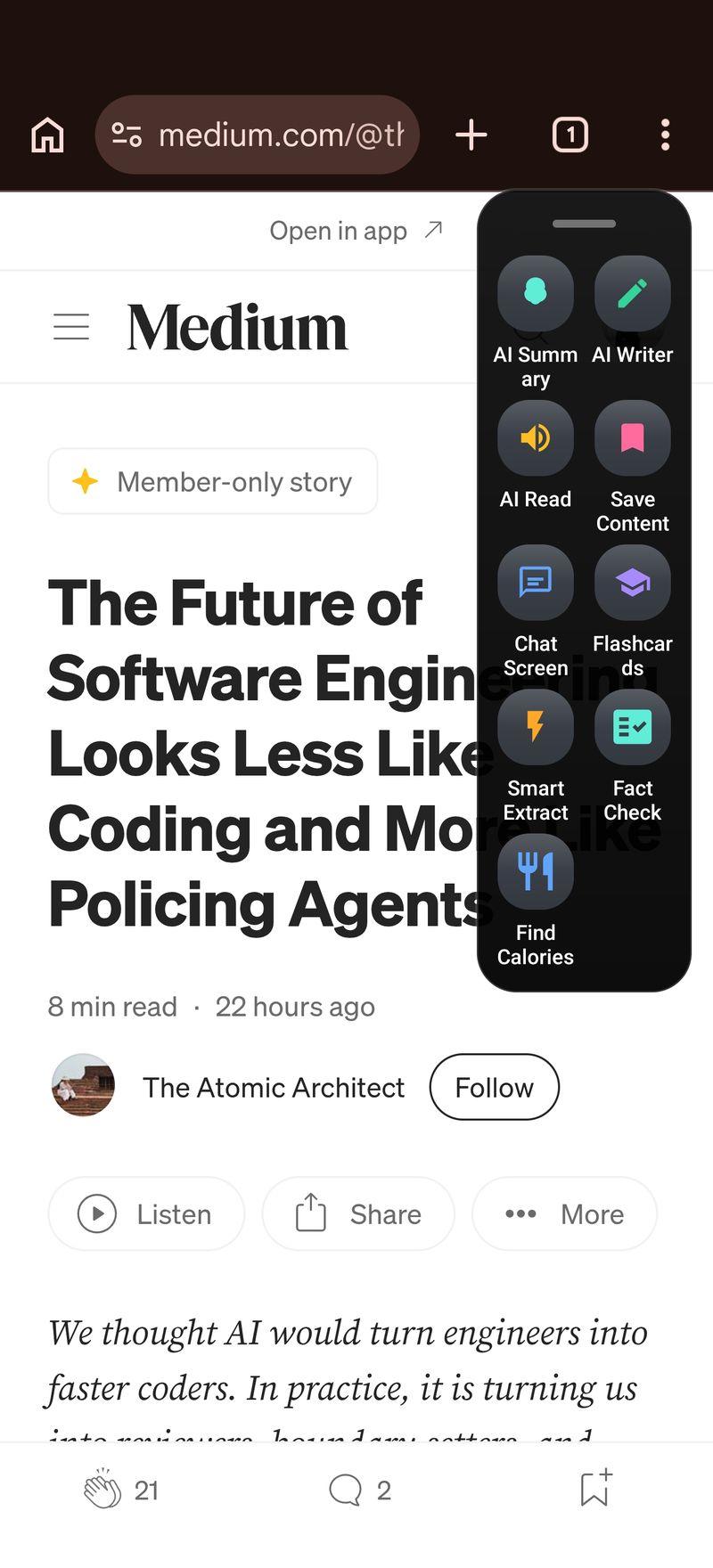
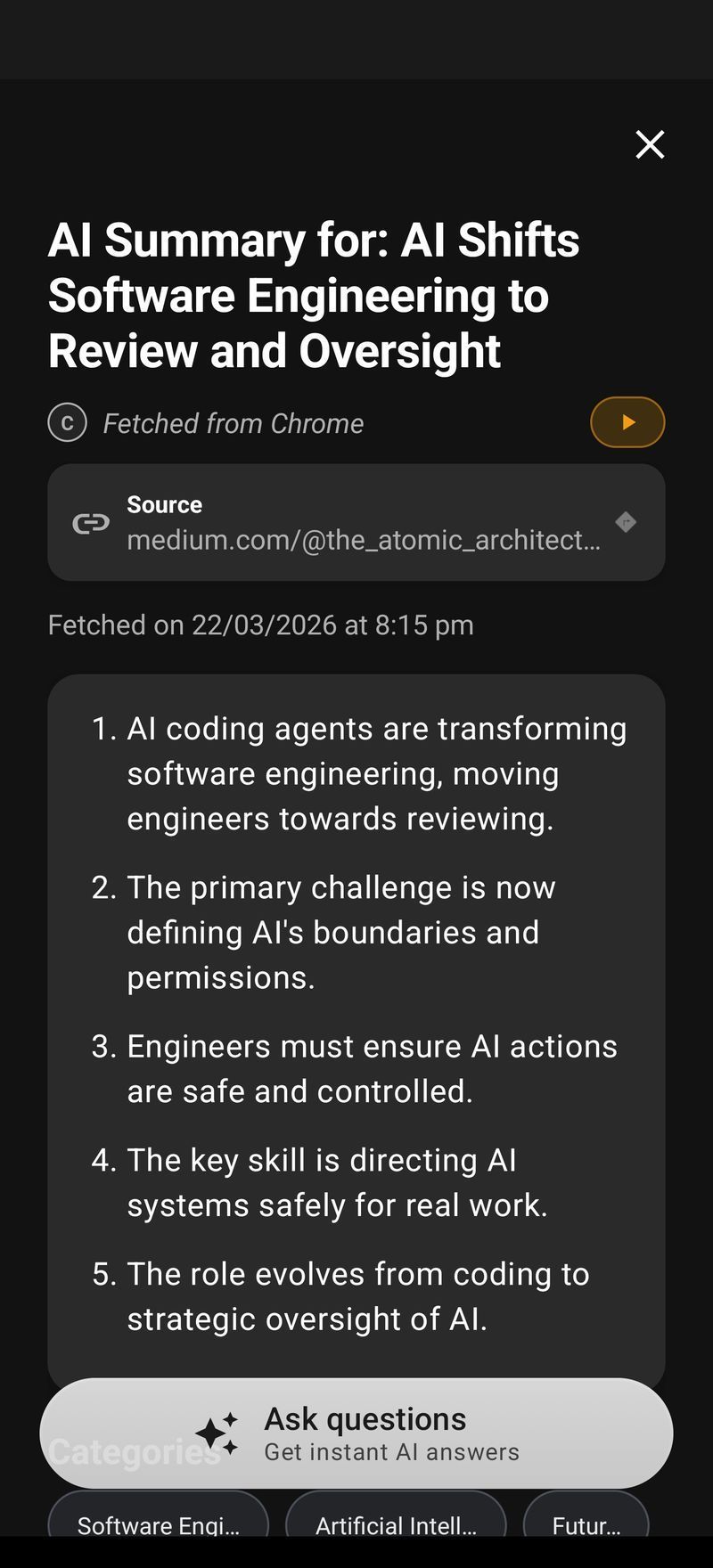
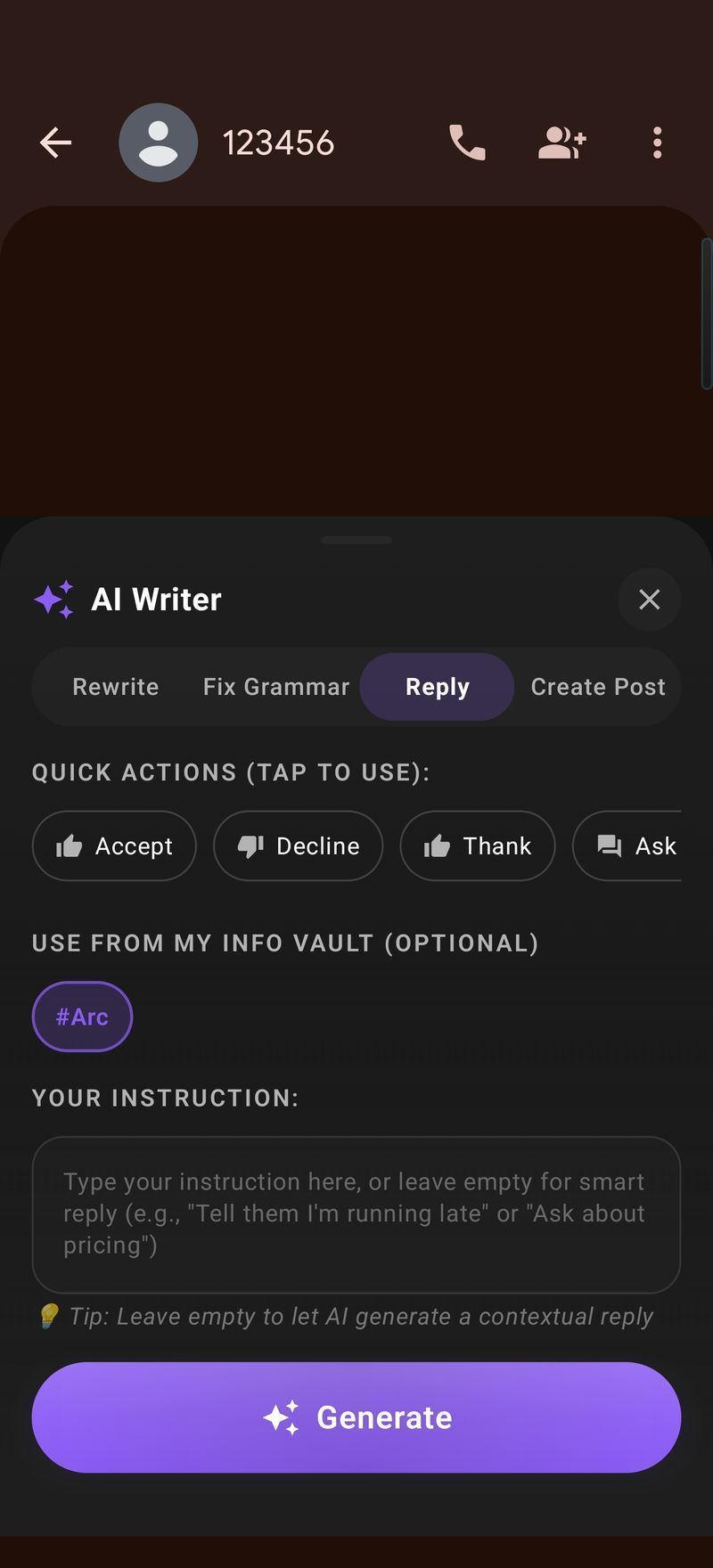
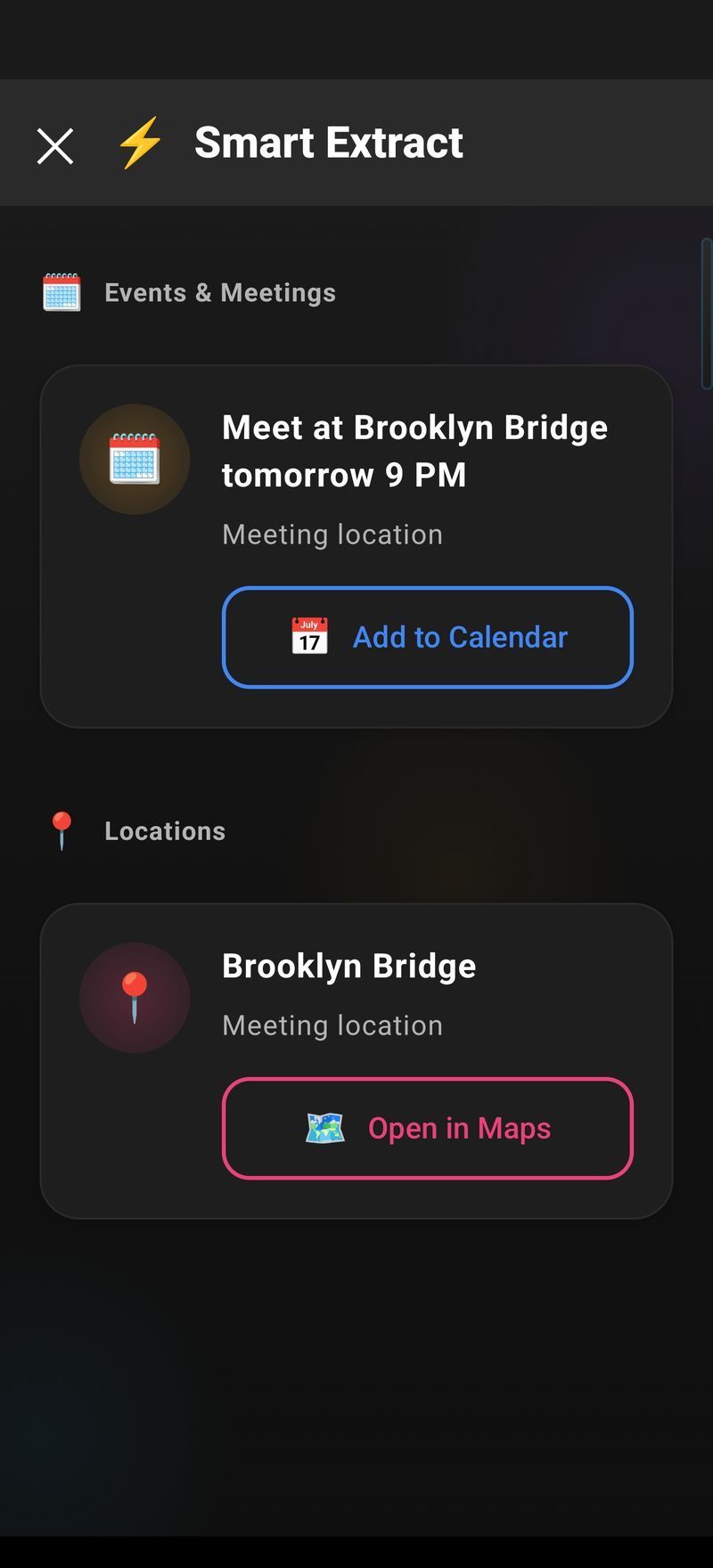
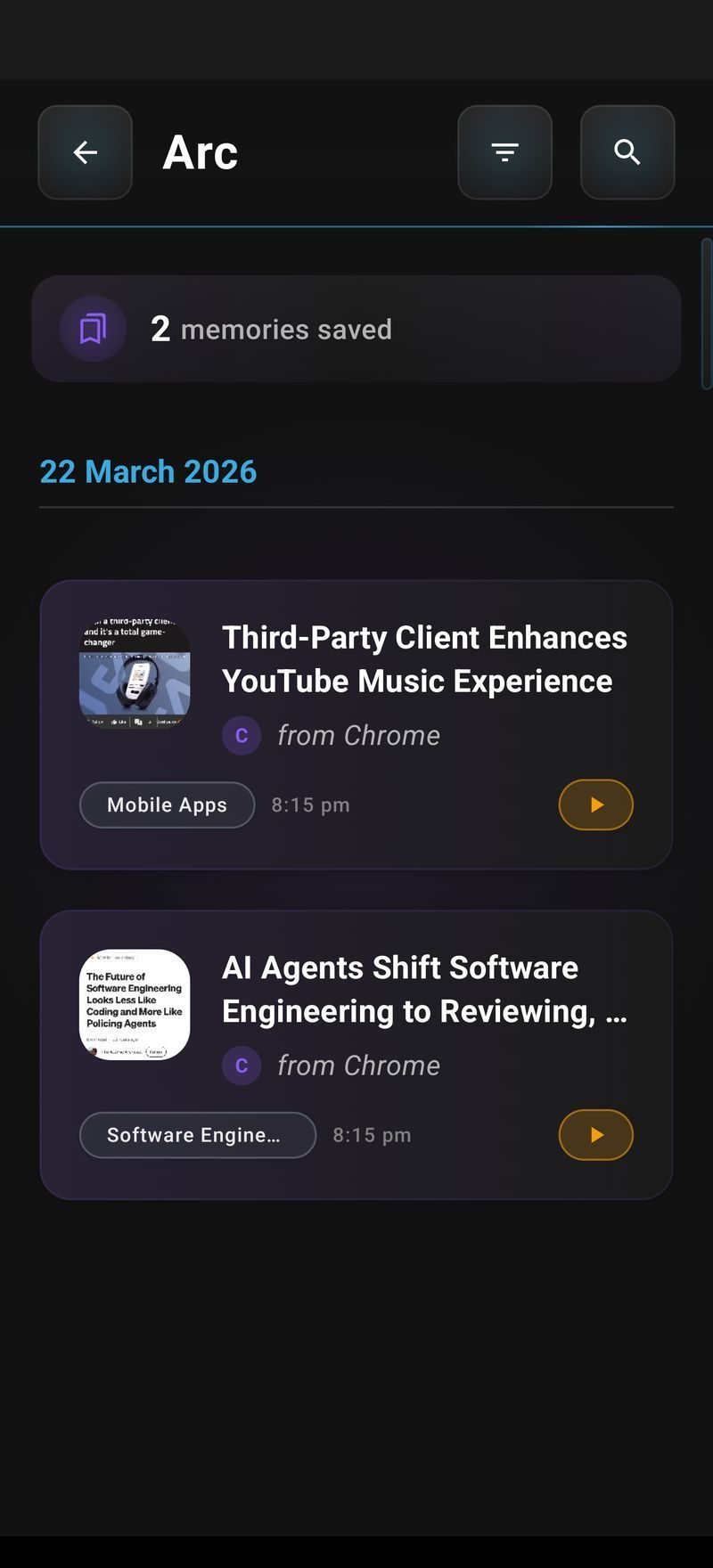
Arc is an Android AI assistant that works on the screen you are already looking at. A thin floating sidebar sits at the edge of your display, over every app. Tap it, pick an action, and Arc reads the current screen through Android’s accessibility service and acts on it — summarize, read aloud, chat, rewrite, extract, save.
Nothing is copied, nothing is pasted, and you never leave the app you’re in. It works in Chrome, Gmail, WhatsApp, Reddit, PDF readers, news apps — anything that puts text on screen.
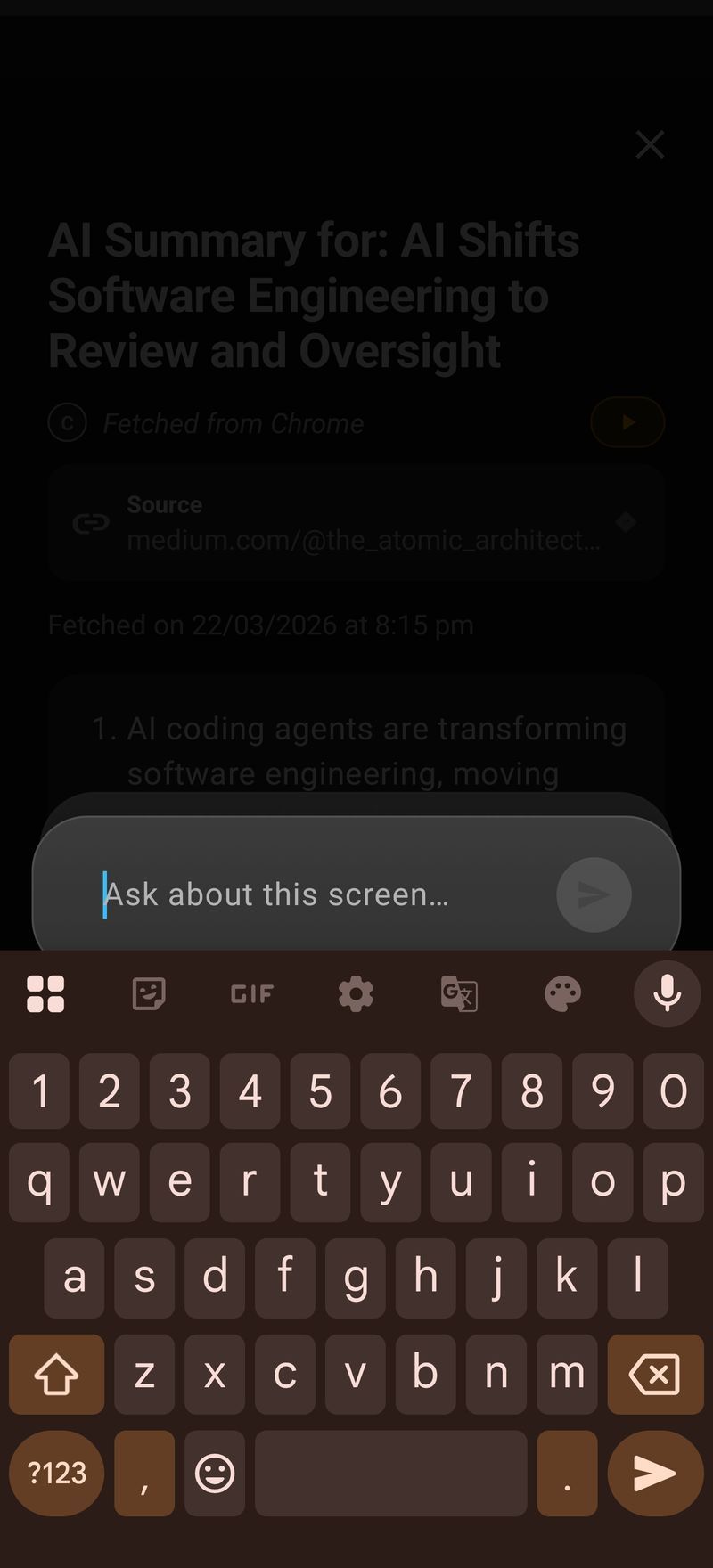
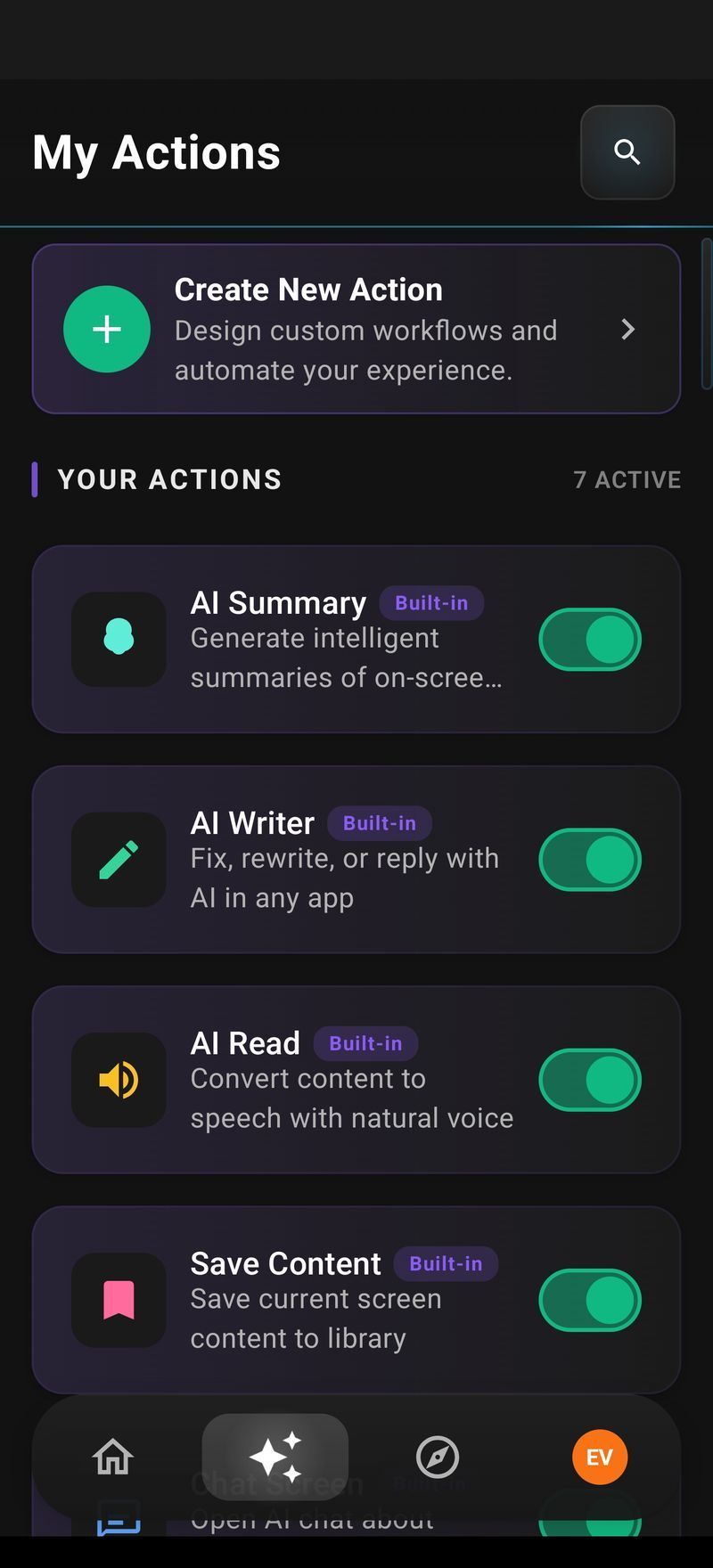
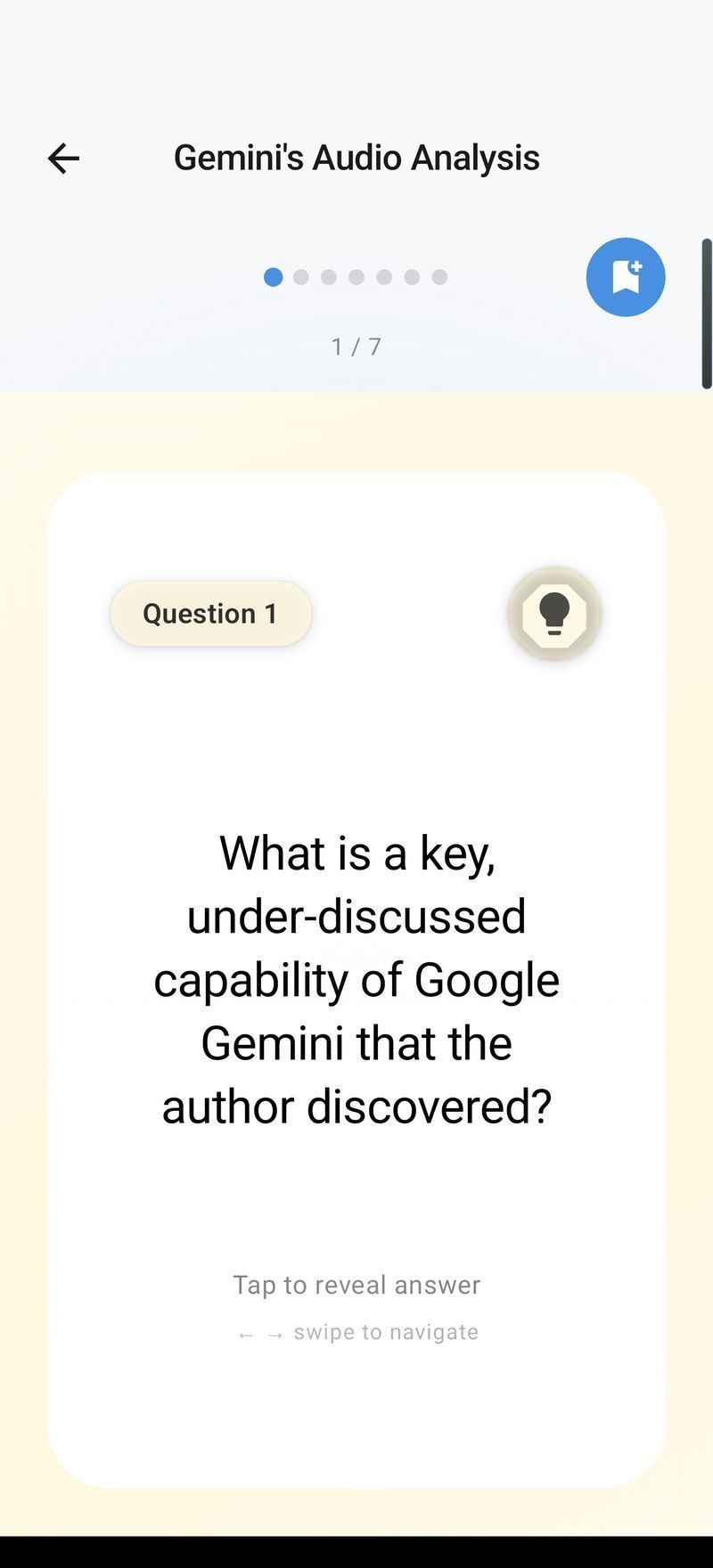
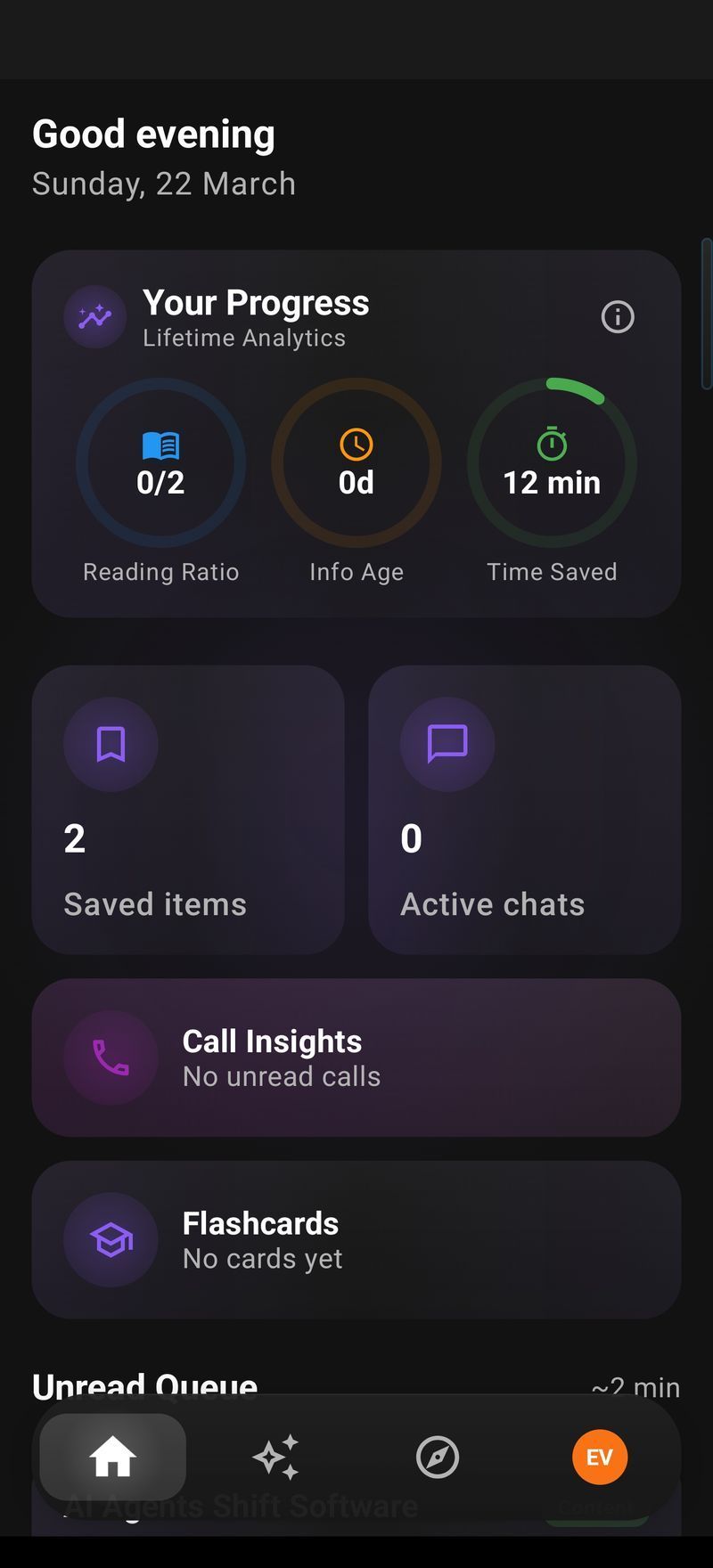
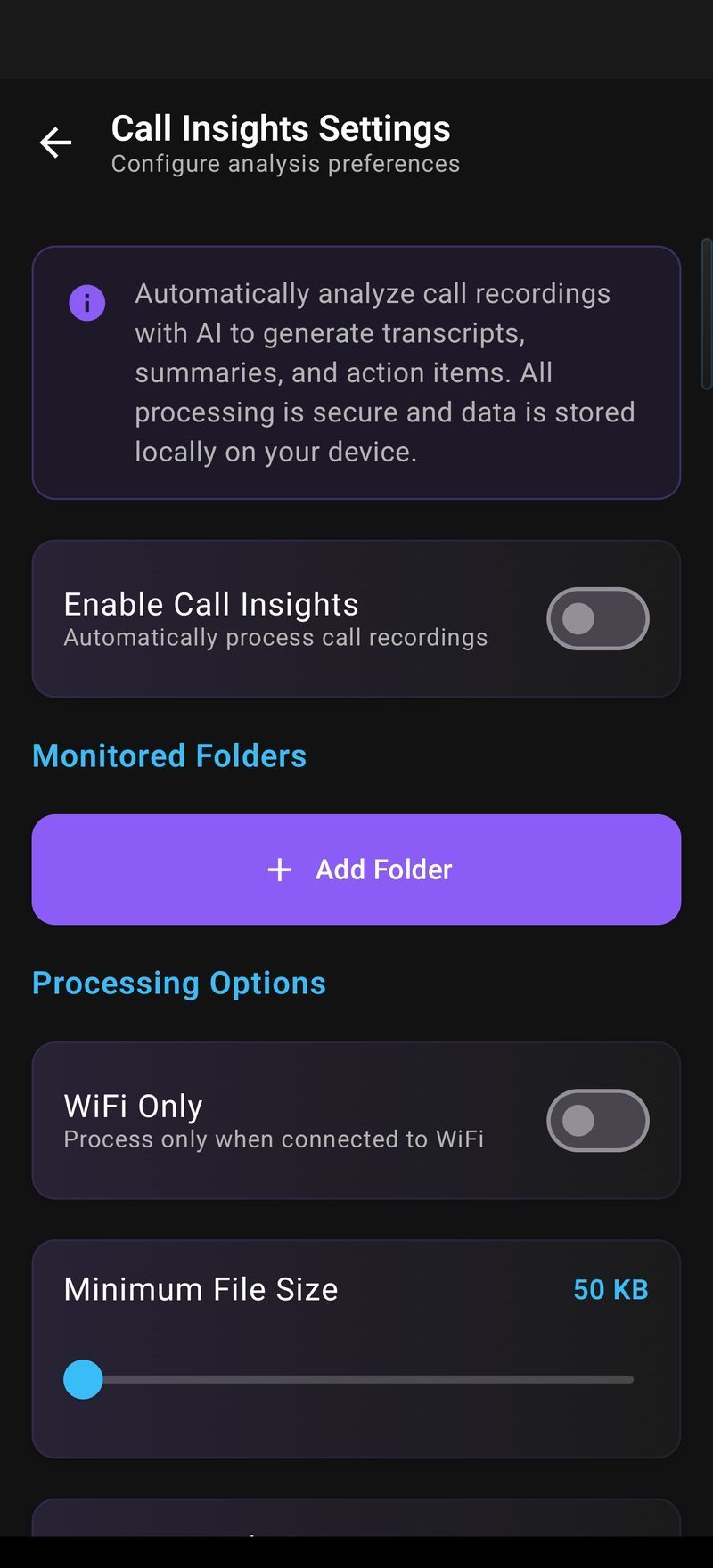
Every feature, on a real phone.
How to Set It Up
- Install Arc from Google Play.
- Grant two permissions during onboarding: Accessibility Service, so Arc can read the text on your current screen, and Overlay, so the sidebar can draw on top of other apps.
- Pick your sidebar mode. The default is Arc’s own floating bar. If you’d rather not add a second overlay, choose System Sidebar Integration and Arc becomes an entry in your phone’s native edge panel — Samsung Edge Panel, OnePlus Shelf and similar.
- Open something worth reading, swipe the sidebar in from the edge, and pick AI Summary.
Install to first summary takes under two minutes — timed on a three-year-old mid-range phone. Drag the sidebar to whichever edge stays out of your thumb’s way; it auto-hides when you’re not using it.
What Makes It Different From a Chatbot App
Gemini, ChatGPT and Copilot are destinations: you go to them, paste what you’re dealing with, then go back. Arc already has the screen, so the interaction is one tap and a result. That makes small tasks worth doing — rewriting a two-line message, checking what a dense paragraph said, grabbing the flight number from a confirmation email, or pulling the text out of a screenshot someone sent you (Smart Extract has built-in OCR). Chat Screen skips the “here’s the context” preamble entirely: ask “explain this error message” or “what are they actually offering in this email?” and the answer is grounded in what’s displayed.
Circle to Search is handy for one-off lookups and Gemini for open-ended research, but neither gives you a persistent action panel across every app. Plenty of people use both: chat assistants answer questions; a screen assistant clears the screen. Add your own prompts as buttons and it becomes a personal AI assistant shaped around your work.
Privacy and Permissions
Arc reads the screen you’re on only when you tap an action — not in the background. Add your own app exclusions in Settings → Choose Apps; Google Drive backup is off by default. See the private AI assistant page and the privacy policy for what’s stored where.
Android AI Assistant FAQ
What is the best Android AI assistant that works inside other apps?
Arc works in every app on Android. A floating sidebar sits at the edge of your screen, and one tap summarizes, reads aloud, rewrites or extracts from whatever app you’re in — Chrome, Gmail, WhatsApp, PDFs, anything. It uses Android’s accessibility service to read the screen, so there is nothing to copy or paste.
Is Arc for Android free?
Yes. Arc is free with 7 requests per week on basic features. A premium subscription unlocks unlimited summaries, text-to-speech, AI chat and custom workflow automation. There are no ads and no expiring trial.
Does Arc work without opening the app?
Yes. The floating sidebar runs system-wide over every other app, so you never open Arc itself to use it. You can also route it through your phone’s native edge panel — Samsung Edge Panel, OnePlus Shelf — if you’d rather not have a second overlay.
What permissions does Arc for Android need and why?
Two. The Accessibility Service lets Arc read the text on your current screen, which is the whole point of the app. The Overlay permission lets the floating sidebar draw on top of other apps. Sensitive apps such as banking and password managers are excluded automatically, and you can add your own exclusions.
Which AI model does Arc use?
Arc runs on Google Gemini for summaries, chat and writing. Your summaries, saved items and custom actions are stored locally on your phone, with optional Google Drive backup that you control.
Can I create my own AI commands in Arc?
Yes. Write a prompt once with a {screen_text} placeholder and it becomes a one-tap action in your sidebar — for example “translate this to Spanish and keep the formatting”. You can also install more than 500 actions other Arc users have published.
Arc on your other screens
Mac and Windows are available now. iOS is in development.
Apply your invite code.
Once Arc is installed, open it with your code attached — you'll both get Arc Pro free when you subscribe.
Code . You can also enter it by hand in Settings → Refer a friend.