
AI Assistant for iPhone
Summarize, listen to, rewrite and extract from whatever is on your screen — without pasting it into a chatbot first. In development for iPhone; shipping on Android today.
What Arc for iPhone Will Be
Arc is an AI assistant that runs on the content you are already looking at. Open an article, a message thread, a PDF or a contract, invoke Arc, and it summarizes that screen, reads it aloud in a natural voice, rewrites your draft reply, or pulls out the dates and contacts buried in it.
The iPhone version is in development, built around the entry points iOS allows (below). Meanwhile Arc for Android is live on Google Play and Arc for Mac is available to download.
The app, running today on Android.
Screenshots from the shipping Android app. The iPhone version will follow these flows with native iOS patterns.
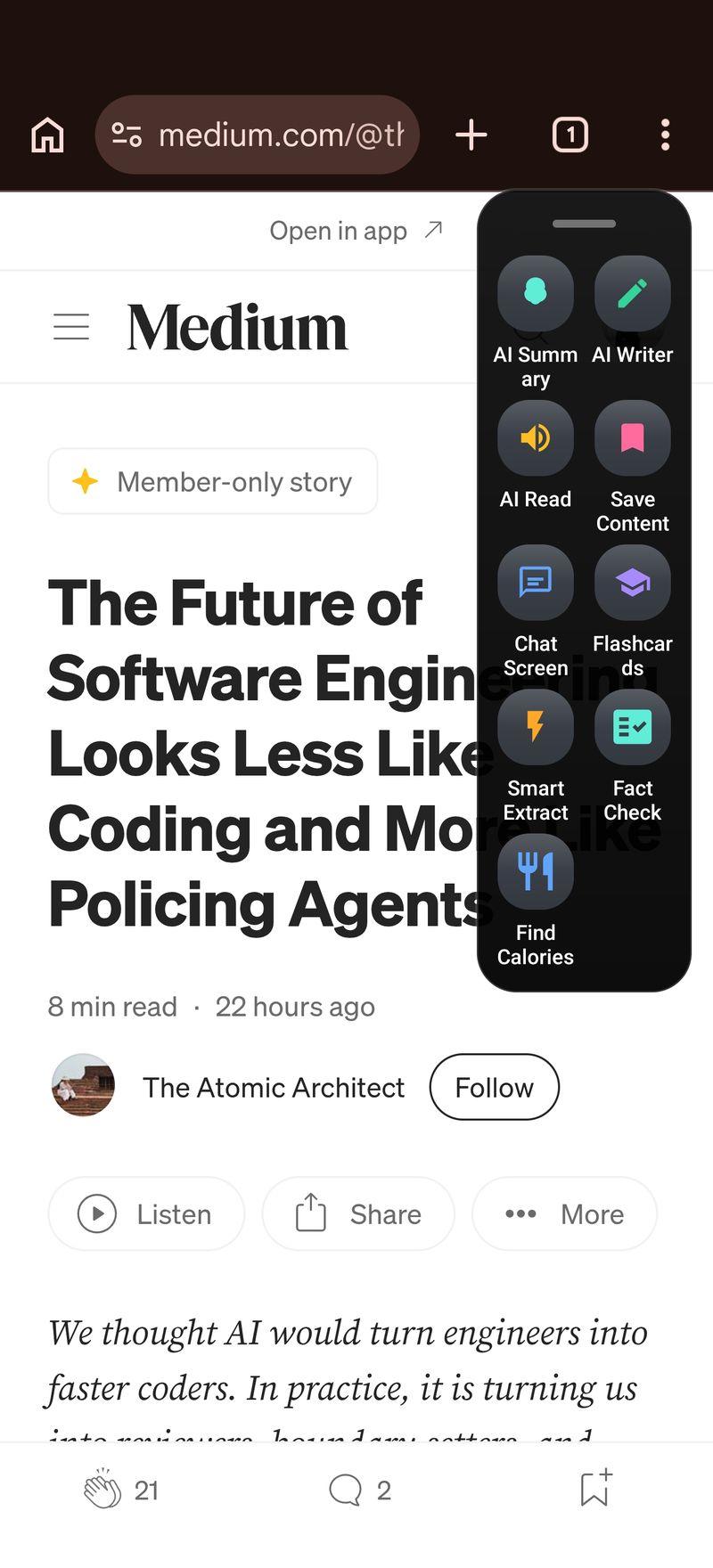
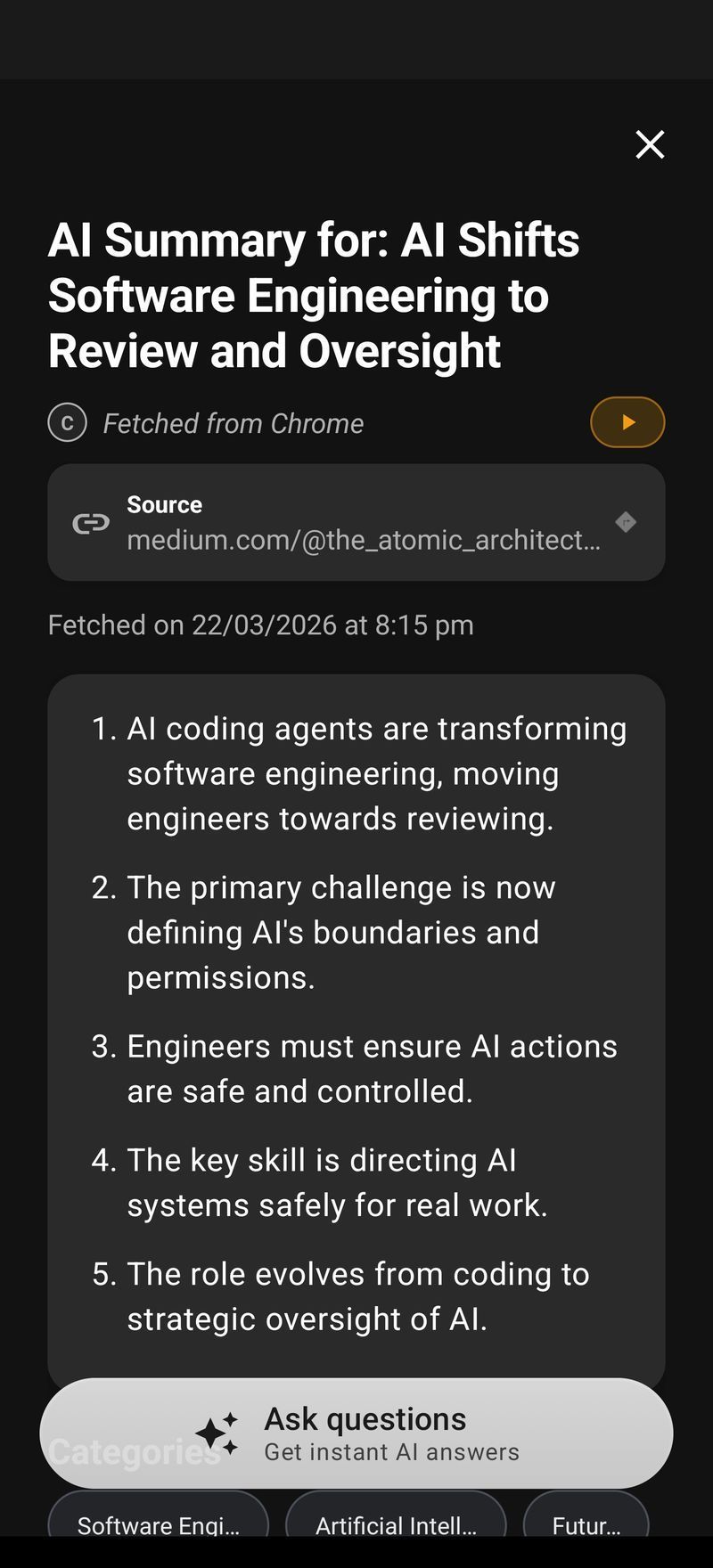
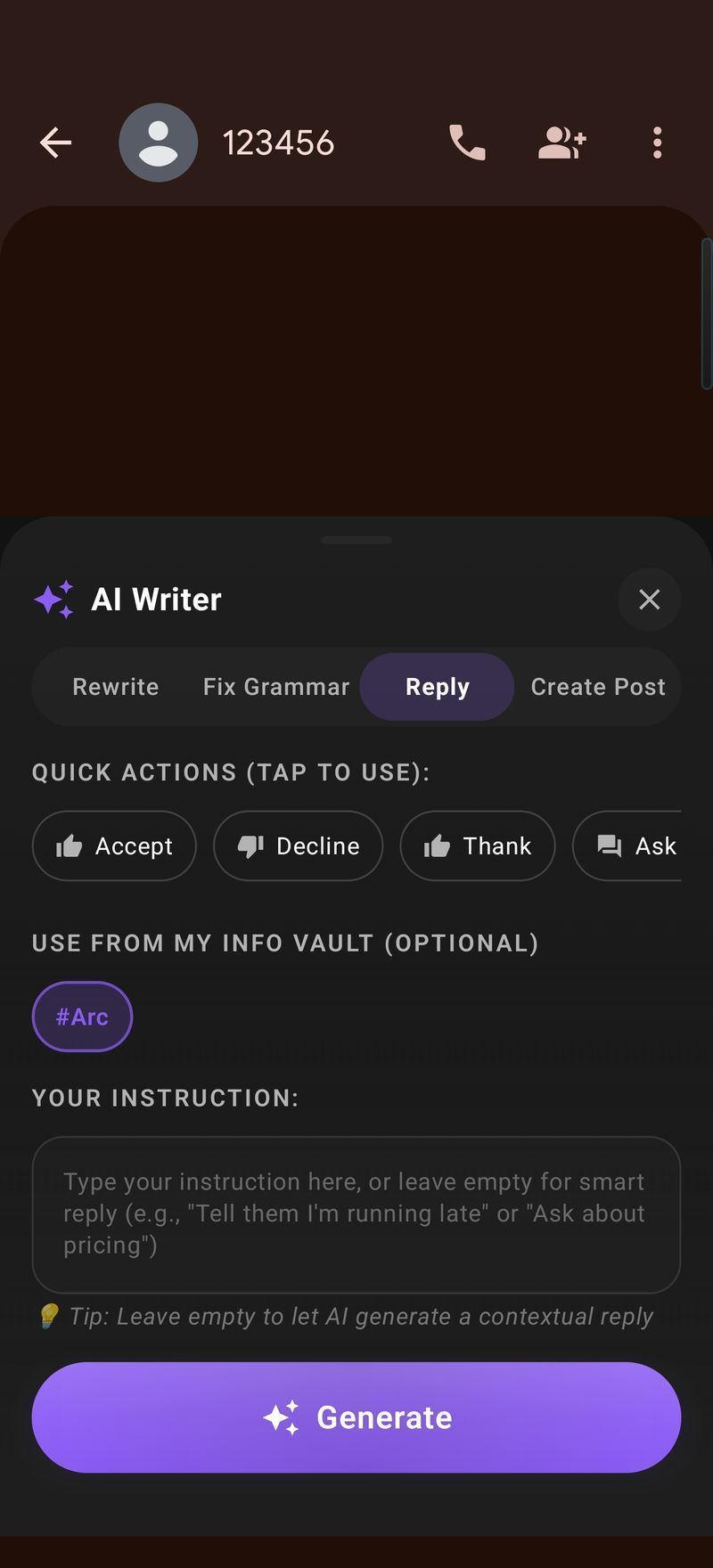
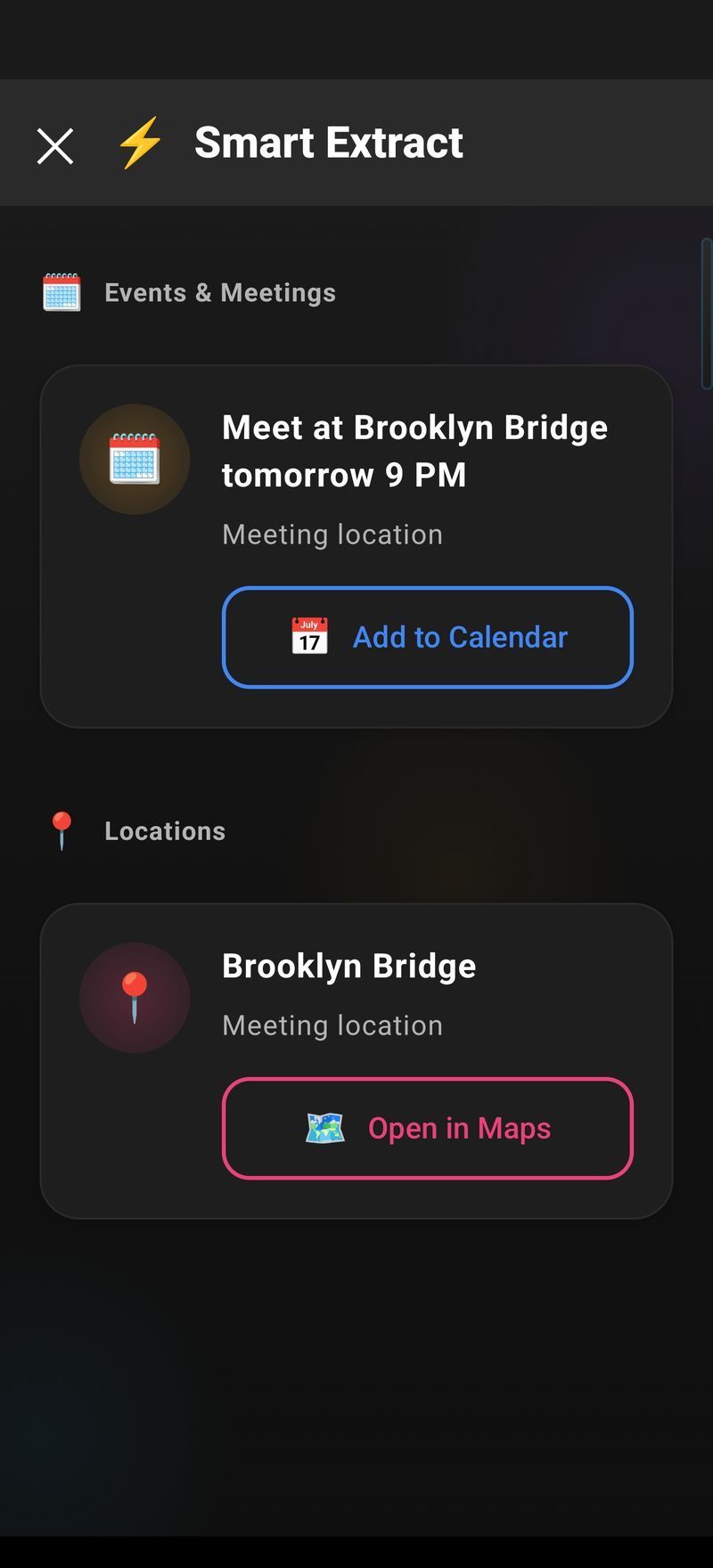
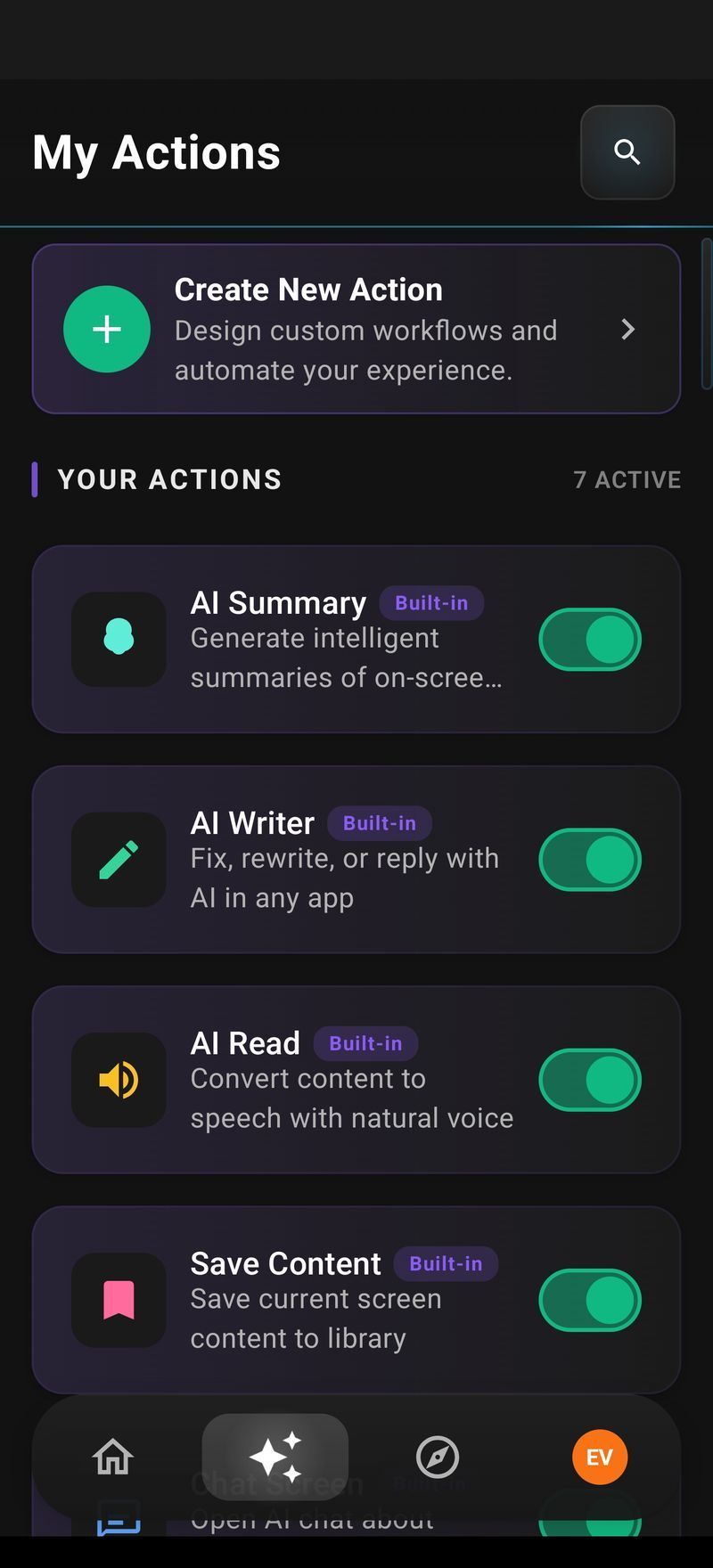
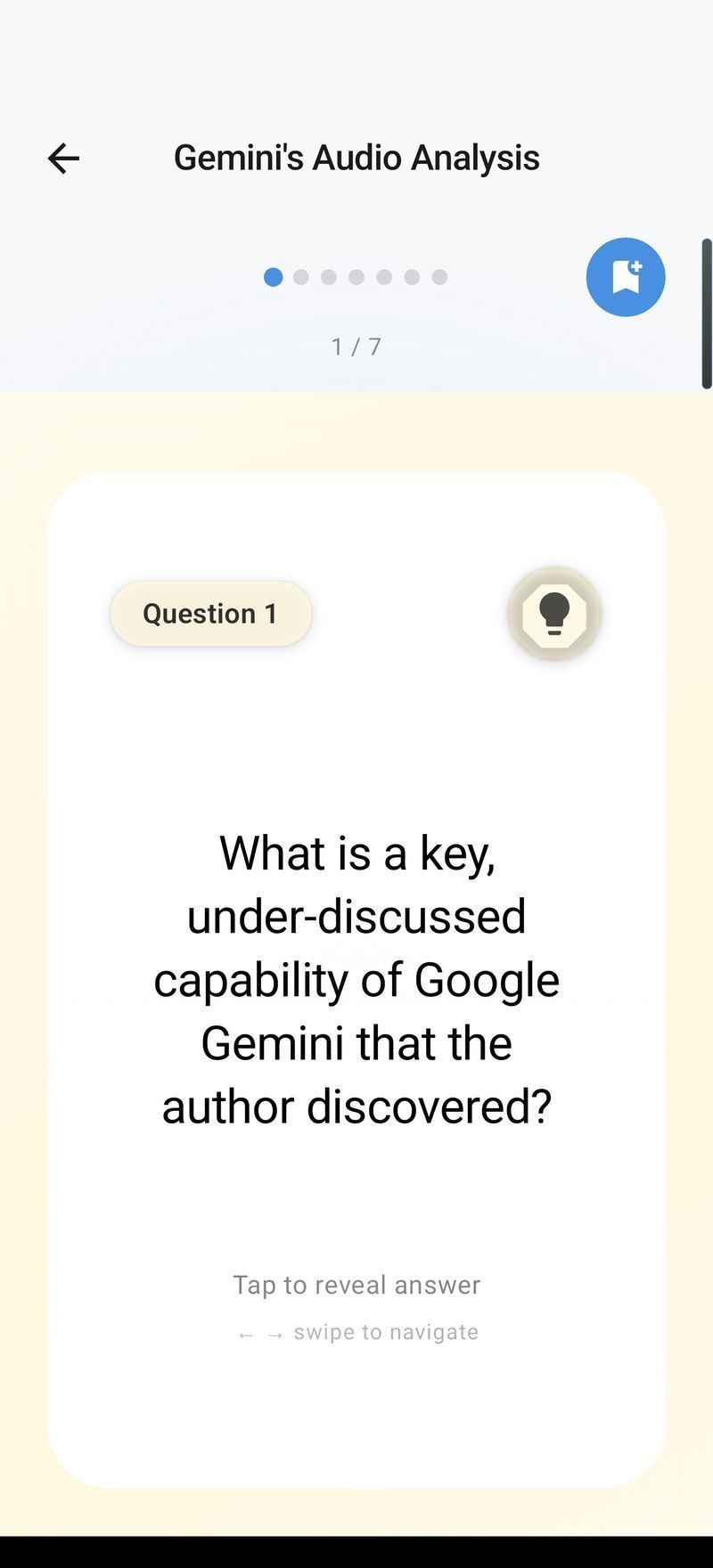
Available now on Android, Mac and Windows
Arc for iPhone is in development. The same app is shipping on three platforms today.
Why iOS Is Harder Than Android
An iPhone app cannot draw over another app or read its content in the background — a platform decision by Apple, and the reason no true screen-reading AI assistant exists on iOS from anyone. So Arc for iPhone is being built around the openings Apple does provide:
- Share Sheet — send the current page, PDF, image or selection into Arc from any app, which covers Safari, Mail, Files, Messages and most third-party apps.
- Shortcuts, Back Tap and the Action Button — bind a custom Arc action to the side button on iPhone 15 Pro and later, to a double Back Tap, or to any Shortcuts automation.
- A custom keyboard — rewrite, reply and fix grammar in place, in whatever field you’re typing in.
- Widgets and App Intents — surface the Saved Items library and one-tap actions without opening the app.
It reaches the same features with one extra tap, and it can actually ship on the App Store. Saved items sync, so anything you capture with Arc for Mac now will be there when the iPhone app arrives. For how content is handled, see private AI assistant.
What day one should look like
- Reading a 4,000-word report in Safari: tap Share → Arc and get a summary in about twenty seconds, with the option to listen to it on your commute.
- A client email needs a reply between meetings: select the thread, invoke Arc, and pick from three drafted replies in different tones.
- An address, price or recipe on screen: one action saves it to your Info Vault, so it’s findable later without a screenshot.
- Double Back Tap: Arc summarizes whatever you were just reading — the closest iOS allows to Android’s always-there sidebar.
Arc for iOS FAQ
Is there an AI assistant for iPhone that works inside other apps?
Arc is building one. It summarizes, reads aloud, rewrites and extracts from the screen you’re already on, rather than making you paste text into a chatbot. The iPhone version is in development; the same app ships on Android today and on macOS.
When will Arc for iOS be available?
Arc for iOS is in development with no announced date. iOS restricts background screen access far more tightly than Android, so the iPhone version is being built around Share Sheet, Shortcuts and keyboard extensions instead of a floating overlay. Join the waitlist to be emailed when the beta opens.
Why can’t Arc for iPhone use a floating sidebar like Android?
iOS does not permit apps to draw over other apps or read their content in the background — that is an Android capability Apple deliberately does not expose. Arc for iPhone will use the system entry points Apple does provide: the Share Sheet, the Shortcuts app, an Action Button binding, and a custom keyboard for in-place rewriting.
How much will Arc for iOS cost?
The same as every other platform: free for 7 requests per week on basic features, with a premium subscription for unlimited summaries, text-to-speech, AI chat and automation. No ads, no expiring trial.
Can I use Arc on iPhone right now?
Not yet as a native app. Arc ships on Android, macOS and Windows today. If you use a Mac alongside your iPhone, the Mac app covers reading and writing on the desktop while the iPhone version is in development.
Which is the best AI assistant for iPhone?
It depends on the job. ChatGPT and Claude are strong standalone chat apps, and Apple Intelligence covers system-level writing tools in the places Apple wires them in. The gap is an assistant that works on the screen you’re already on — summarizing, reading aloud and rewriting inside the app you’re using. That’s the role Arc is building for.
Which iPhone models will be supported?
The plan is recent iOS versions, including Action Button models. Exact hardware requirements will be confirmed at beta, and waitlist members hear first.
Apply your invite code.
Once Arc is installed, open it with your code attached — you'll both get Arc Pro free when you subscribe.
Code . You can also enter it by hand in Settings → Refer a friend.