
Arc for Mac
Your AI screen assistant, built for macOS. Summarize, read aloud, chat, and automate any window with a single shortcut.
Also on Android →The quiet return of local-first software
For fifteen years the default answer was the server. Your documents lived somewhere else, your edits were round trips, and an aeroplane was enough to make the tool useless.
Local-first inverts that. The device holds the real copy; the network is a synchroniser, not a landlord. Conflict-free replicated data types made the merge tractable, and cheap local storage made the rest obvious.
AI Summary
inkandatoms.comFor fifteen years software defaulted to the server — documents lived remotely and every edit was a round trip.
Local-first inverts the relationship: the device holds the authoritative copy and the network merely synchronises it.
CRDTs made conflict-free merging practical, while cheap local storage removed the last reason to centralise.
The tradeoff moves to sync infrastructure: teams own the merge semantics they used to rent from a database.
The pattern pays off where offline use is a real requirement, not an aesthetic one.
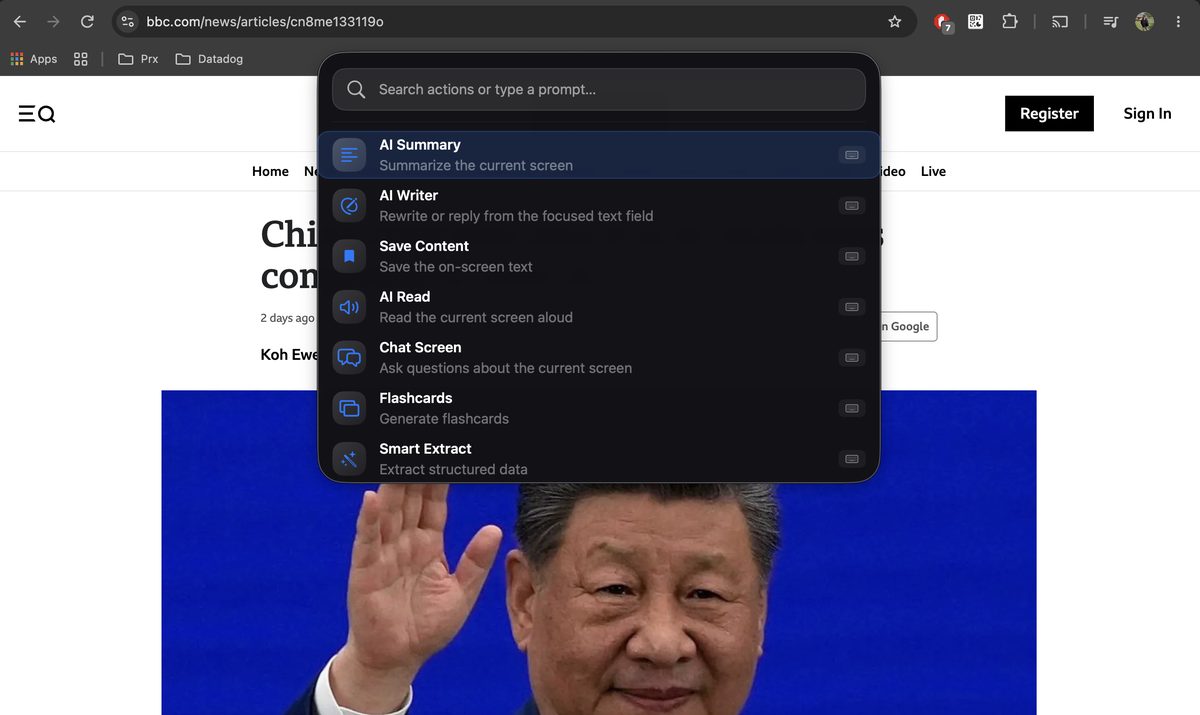
What Arc for Mac Is
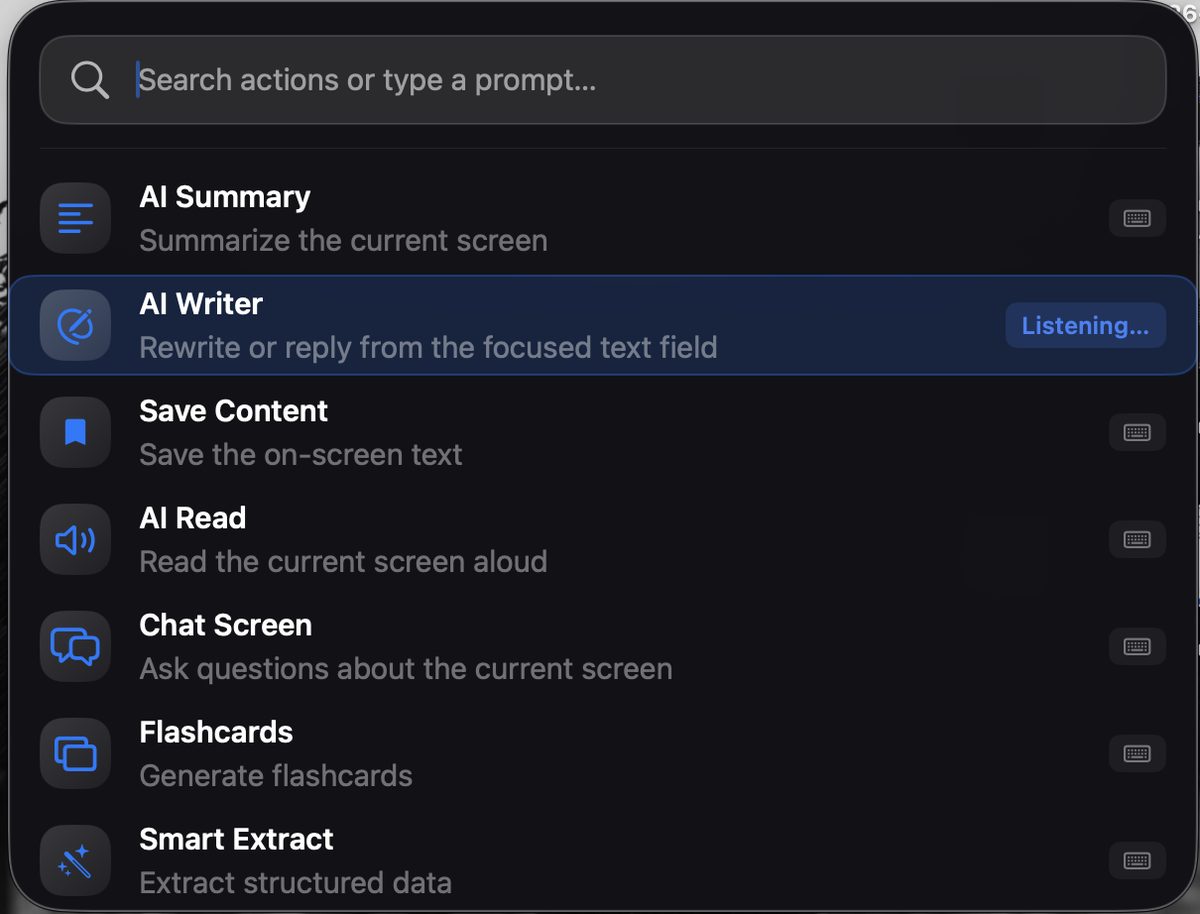
Arc is an AI assistant for Mac that works on the window you’re already in. Press Control + Space, a Spotlight-style panel appears over your current app, and every action runs against the text in that window — summarize it, read it aloud, rewrite your draft, chat about it, or pull the dates and contacts out of it.
Nothing is copied or pasted into a chatbot, and the result comes back in the same panel. The interface is available in 10 languages.
Arc, running on a Mac.
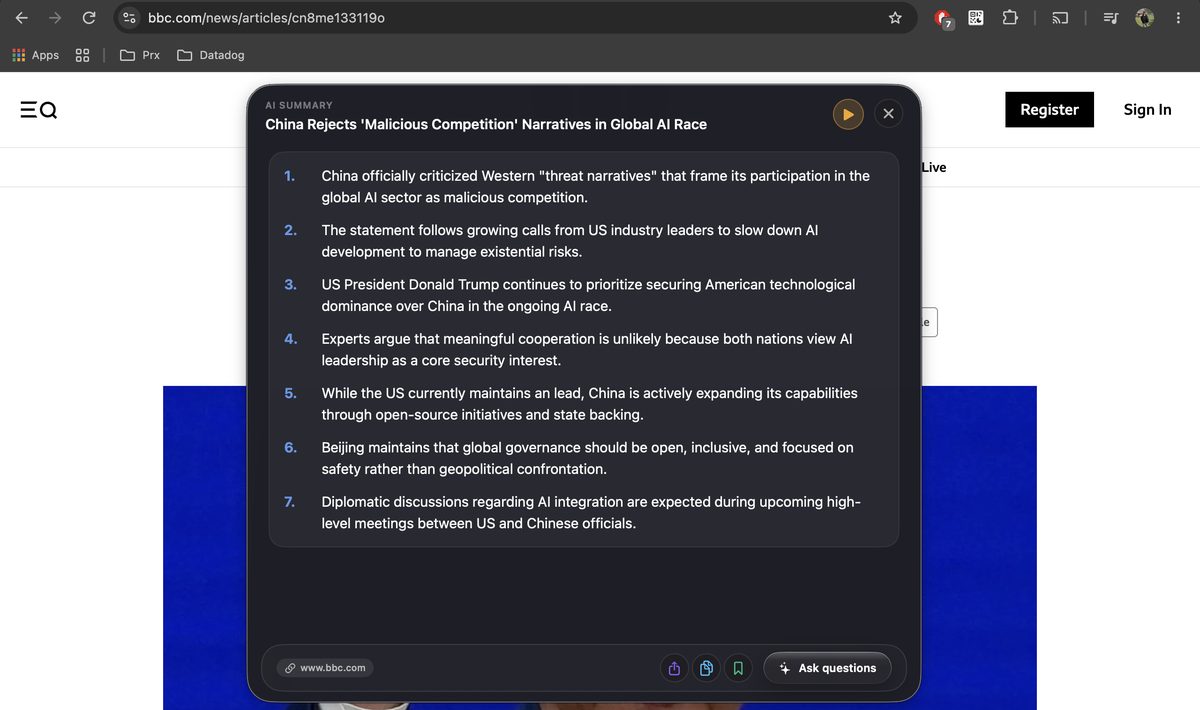
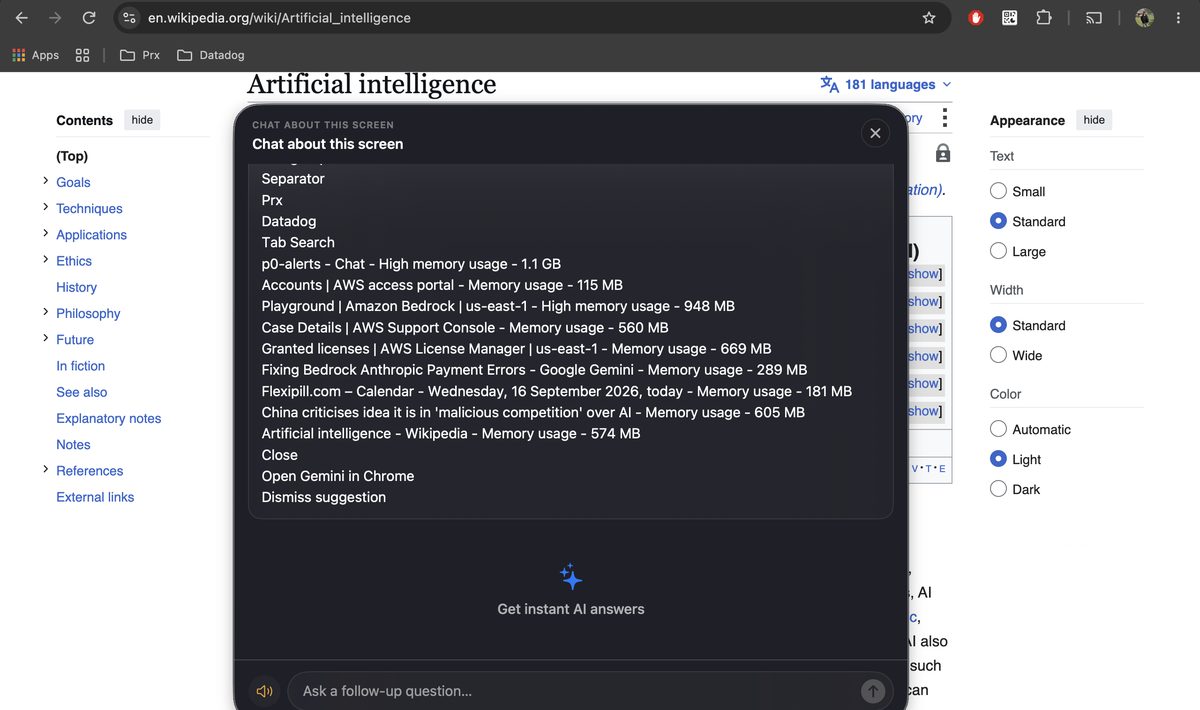
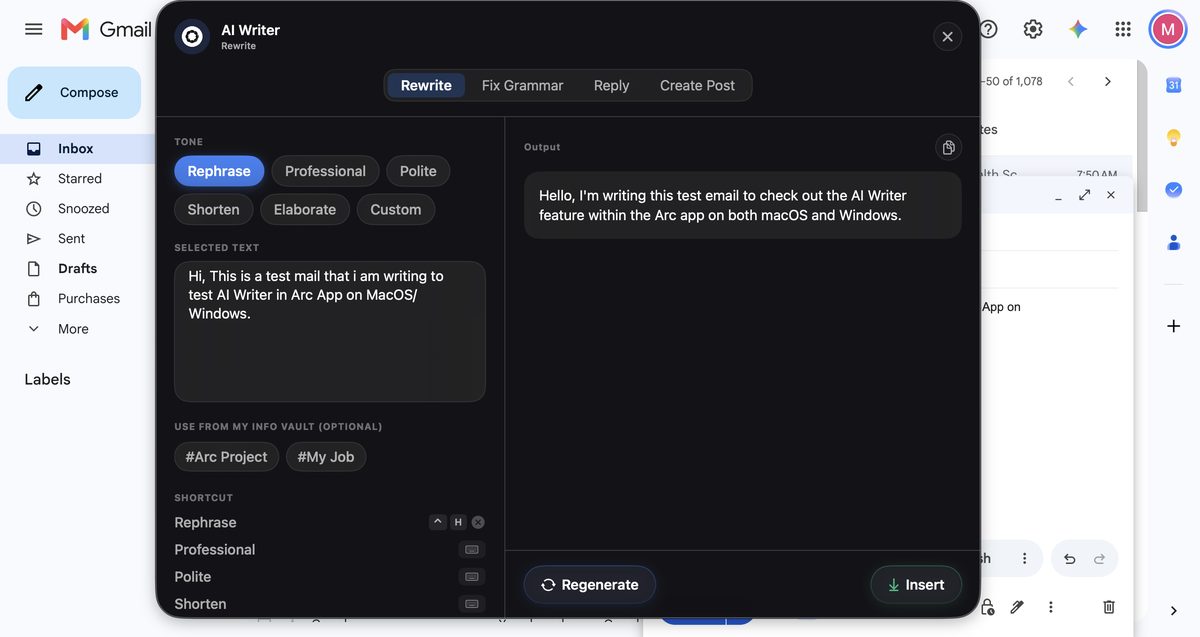
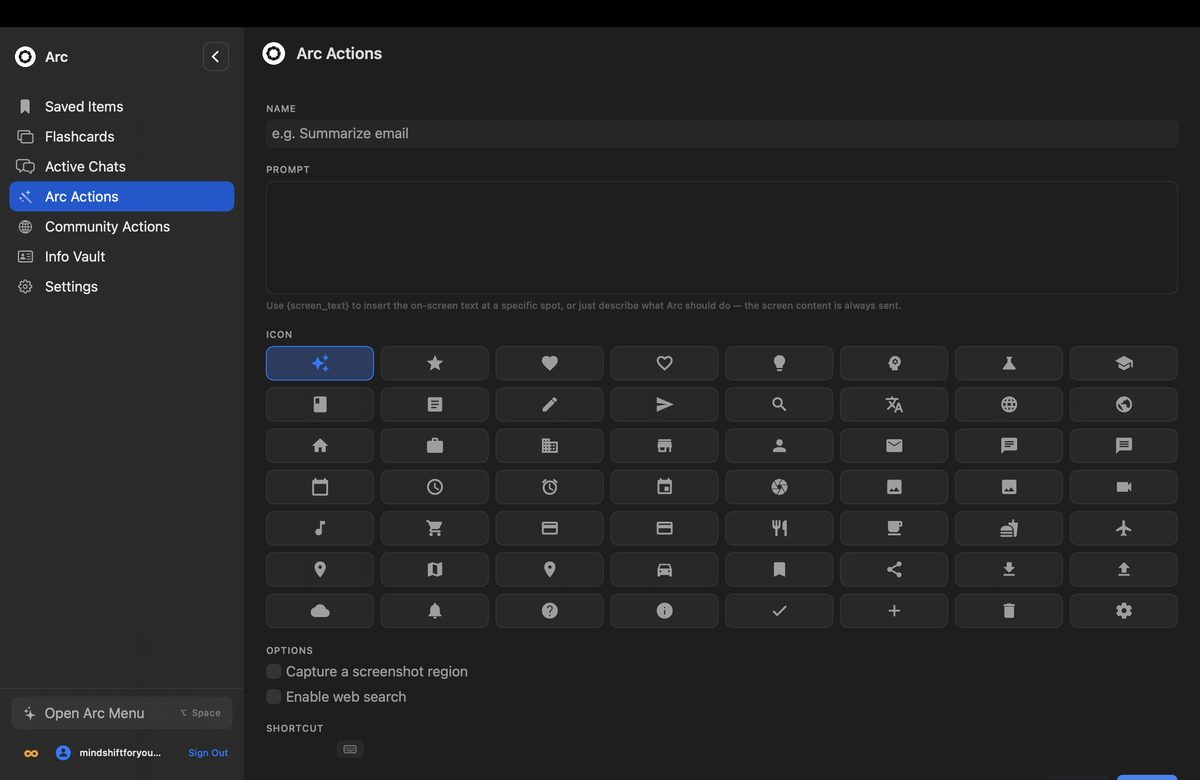
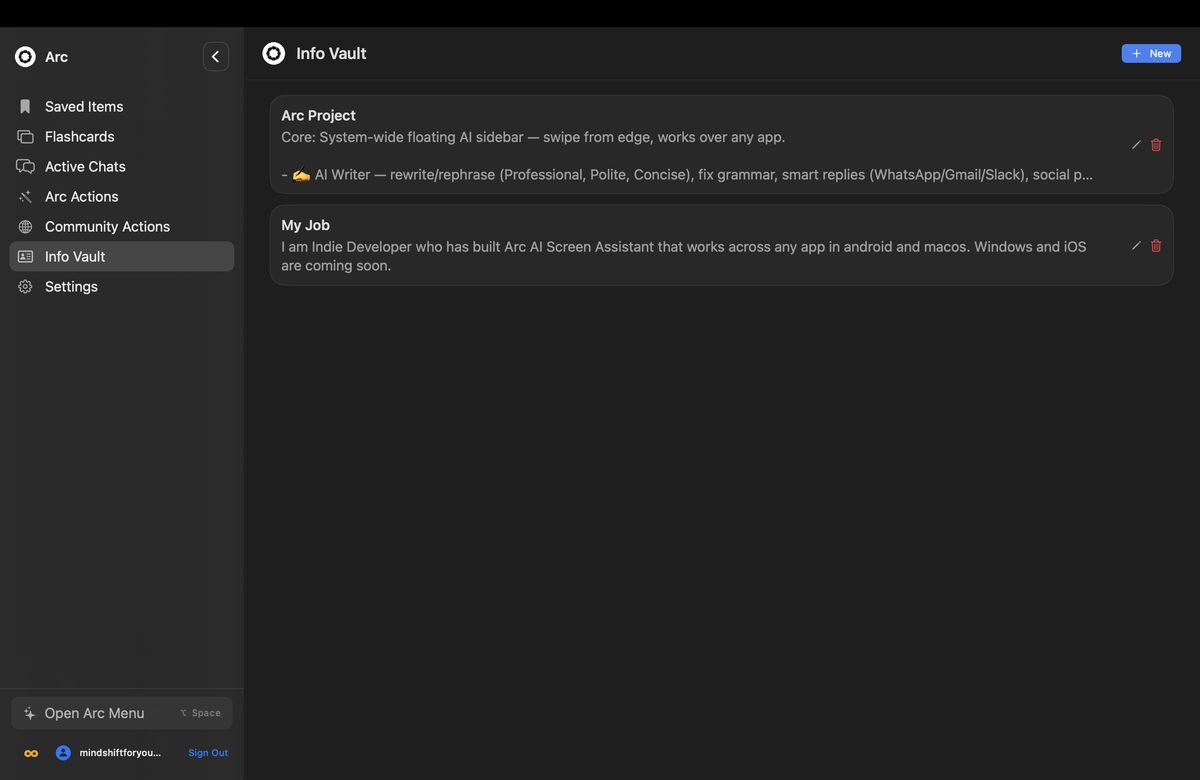
{screen_text} placeholder becomes a permanent command, or install one of 500+ community actions. See AI workflow automation.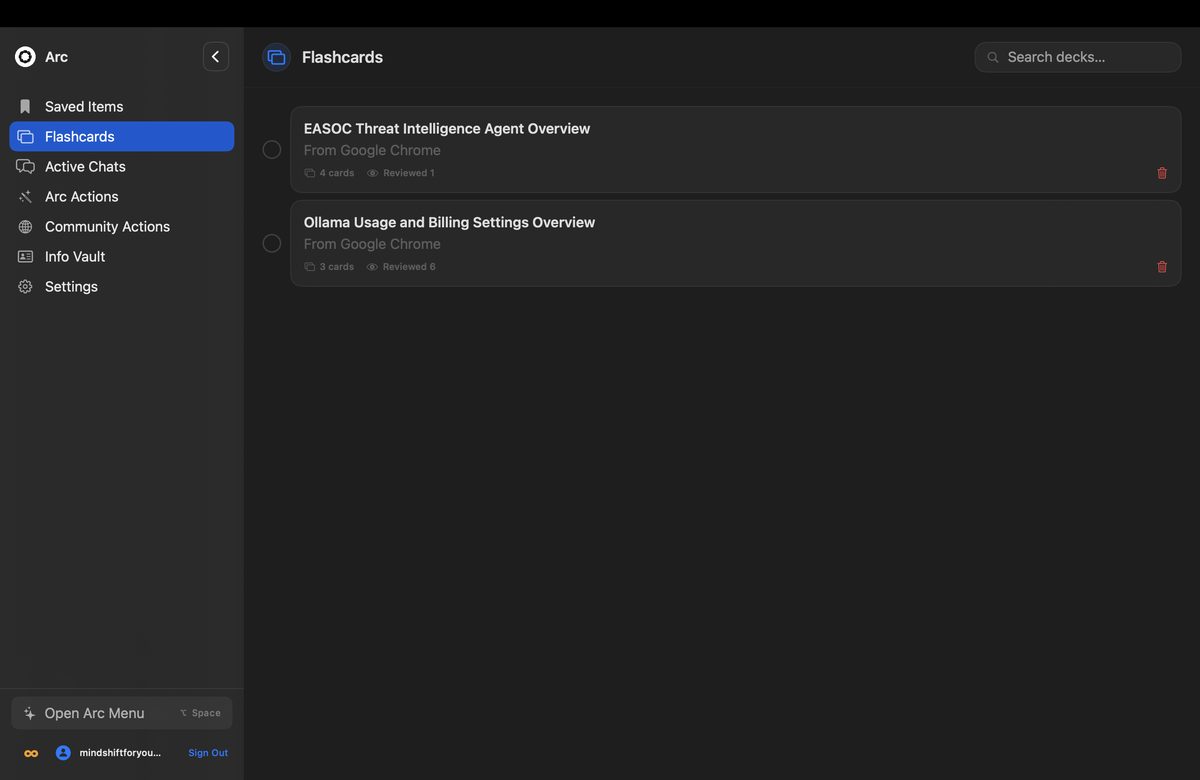
How Arc Works on macOS
It reads windows through Accessibility, not screenshots. When you press Control+Space, Arc asks macOS for the text of the frontmost window through the Accessibility API. Screen Recording is requested only if you use an action that needs a picture of the screen, such as a screenshot-based extract. Password managers are skipped.
It stays out of your way. Arc keeps a menu bar icon alongside its Dock icon, and the Control+Space panel is a non-activating floating panel, so the app underneath keeps keyboard focus and your cursor stays in the field you were typing in.
It is distributed outside the Mac App Store, on purpose. Mac App Store apps must run in Apple’s App Sandbox, and the sandbox blocks reading other apps’ windows. So Arc ships as a DMG from this site, code-signed with an Apple Developer ID and notarized by Apple, and Gatekeeper opens it without warnings.
It updates itself. New versions arrive through a signed Sparkle feed, so the copy you install today keeps current.
| Permission | When macOS asks | What Arc uses it for |
|---|---|---|
| Accessibility | First launch | Reading the frontmost window’s text and inserting AI Writer results |
| Screen Recording | Only when a screenshot action is first used | Capturing a still image for that one action |
Up and running in a minute.
Open the .dmg, drag Arc into Applications, and launch it. It's notarized, so there's no right-click-to-open workaround.
Turn Arc on in System Settings → Privacy & Security → Accessibility when prompted.
Control+Space opens Arc over any app. If Spotlight or an input source already uses it, record a different shortcut in Arc's Settings.
Also available on Android
One account: saved summaries, custom actions and your subscription carry across, with optional Google Drive backup.
Arc for Mac FAQ
Which Mac apps does Arc work in?
Any app that exposes its text to the macOS Accessibility API: Safari, Chrome, Preview, Mail, Notes, Slack, Obsidian, Pages and most others. Press Control+Space in the app and Arc reads that window directly.
How do I update Arc on my Mac?
You don’t have to do anything. Arc checks a signed Sparkle update feed and offers new versions in-app, so you never re-download the DMG by hand.
Is Arc for Mac free?
Yes. Arc is free with 7 requests per week on basic features, and a premium subscription unlocks unlimited summaries, text-to-speech, AI chat and workflow automation. One subscription covers Mac, Windows and Android.
What are the system requirements for Arc on Mac?
macOS 14 (Sonoma) or later. Arc is a universal binary that runs natively on both Apple Silicon and Intel Macs, and it is code-signed with an Apple Developer ID and notarized by Apple, so it installs without security warnings.
Why isn’t Arc on the Mac App Store?
Arc reads on-screen content through the macOS accessibility APIs, which Apple’s App Sandbox prohibits. Sandboxing is mandatory for Mac App Store apps, so Arc is distributed directly from this site — still notarized by Apple, and updated through a signed Sparkle update feed.
Does Arc read my screen in the background?
No. Arc reads the frontmost window only when you invoke an action yourself. It is not a keylogger and it does not monitor continuously. Screenshots are captured only for actions that explicitly need one, and password managers are skipped automatically.
The Privacy Policy lists every macOS permission and exactly when each is used.
Apply your invite code.
Once Arc is installed, open it with your code attached — you'll both get Arc Pro free when you subscribe.
Code . You can also enter it by hand in Settings → Refer a friend.