
AI Fact Checker App Android: Verify Any Screen in One Tap
You’re halfway through a news article when a claim stops you cold. “Studies show 73% of users prefer…” Which studies? You open a browser tab, type a search, skim three results, and the answer is still fuzzy. By the time you finish verifying, you’ve lost the thread of what you were reading.
That friction is why most people never bother to fact check anything on their phone. Verification costs more effort than reading. The value of an AI fact checker app Android users actually keep isn’t the AI — it’s removing that friction. The best ones don’t even ask you to copy-paste. Here’s how I built one into Arc, and how you can set it up in about two minutes.
Why Every Paste-Box AI Fact Checker App Android Offers Falls Short
Every dedicated AI fact checker app Android has right now works the same way at its core: you copy a claim, switch apps, paste it into a box, and wait for a verdict. It works, but the copying is the problem.
The claim you want to check rarely stands alone. It depends on the three paragraphs above it. When you paste one sentence into a generic tool, you strip out that context — and the AI’s accuracy drops with it. Worse, the copy-switch-paste loop kills momentum while you read. By the third claim, most people give up and believe whatever they read last.
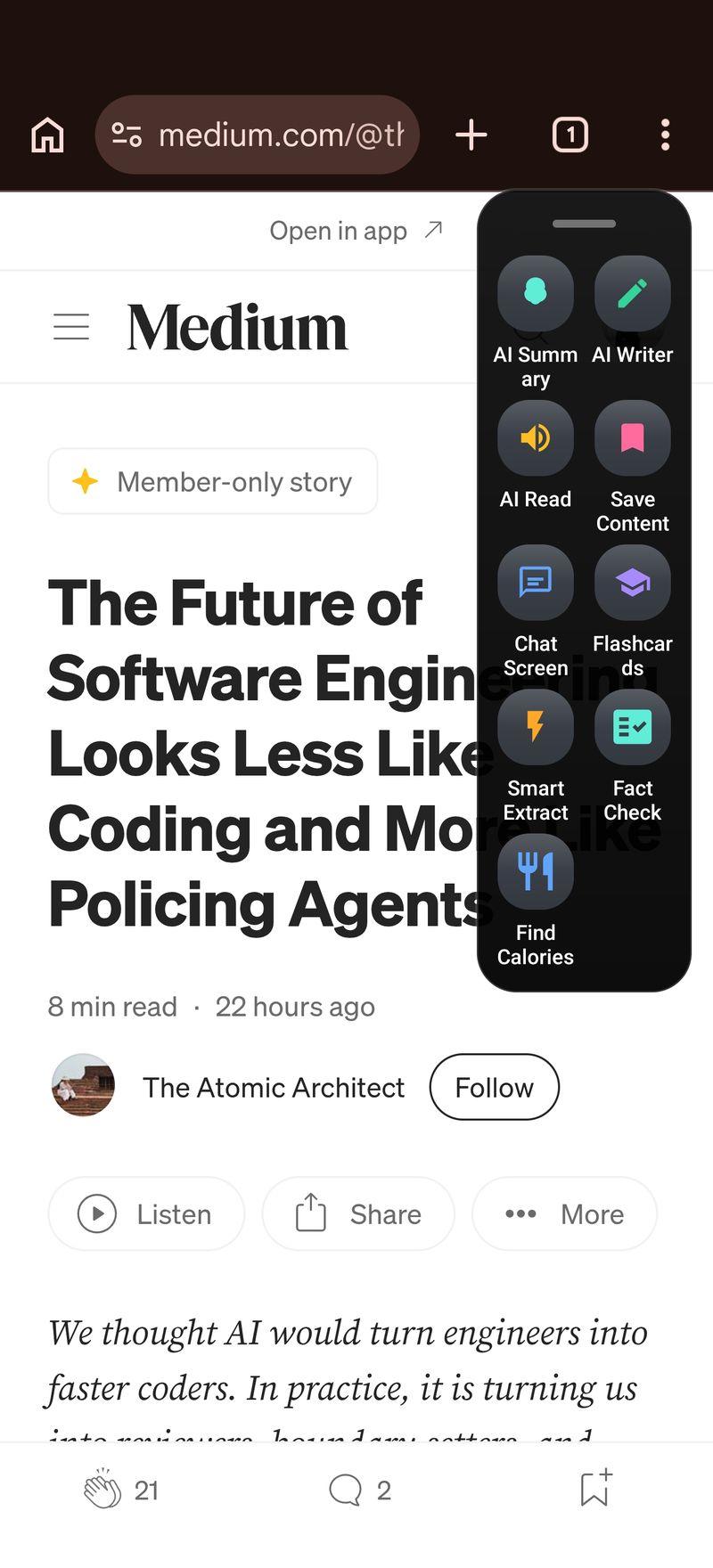
Arc takes the opposite approach: instead of sending text to a fact checker, Arc brings the fact checker to your screen. Everything visible stays in context automatically.
Meet Arc: an AI Fact Checker App Android Readers Actually Keep
Arc is an AI screen assistant that floats over every app on your Android phone. With the sidebar expanded, Arc reads what’s on your screen right now — the article, the post, the email — and runs AI actions on it in place.
The full feature set also lives on the Arc AI Screen Assistant homepage. Out of the box, Arc’s Community Actions library includes fact-checking workflows that other users have published. Everything runs on Gemini Flash, so a check usually finishes in under ten seconds. If you’ve been hunting for a free AI fact checker app Android download links all point to paste boxes, this screen-context setup is the upgrade — fact-checking stops being a chore and becomes one tap.
Here’s the two-minute setup.
Step 1: Install Arc and Grant Two Permissions
Arc is free on Google Play. After installing, it asks for two things: accessibility access (so it can read screen text without you copying anything) and display-over-apps permission (so the floating sidebar appears everywhere).
Neither permission sends your screen data anywhere until you run an action. Extraction is local; uploads happen only when you ask for a summary or a fact check. That distinction matters if you’re privacy-sensitive about what an AI fact checker app Android can see.
Step 2: Add the Verify-Facts Action
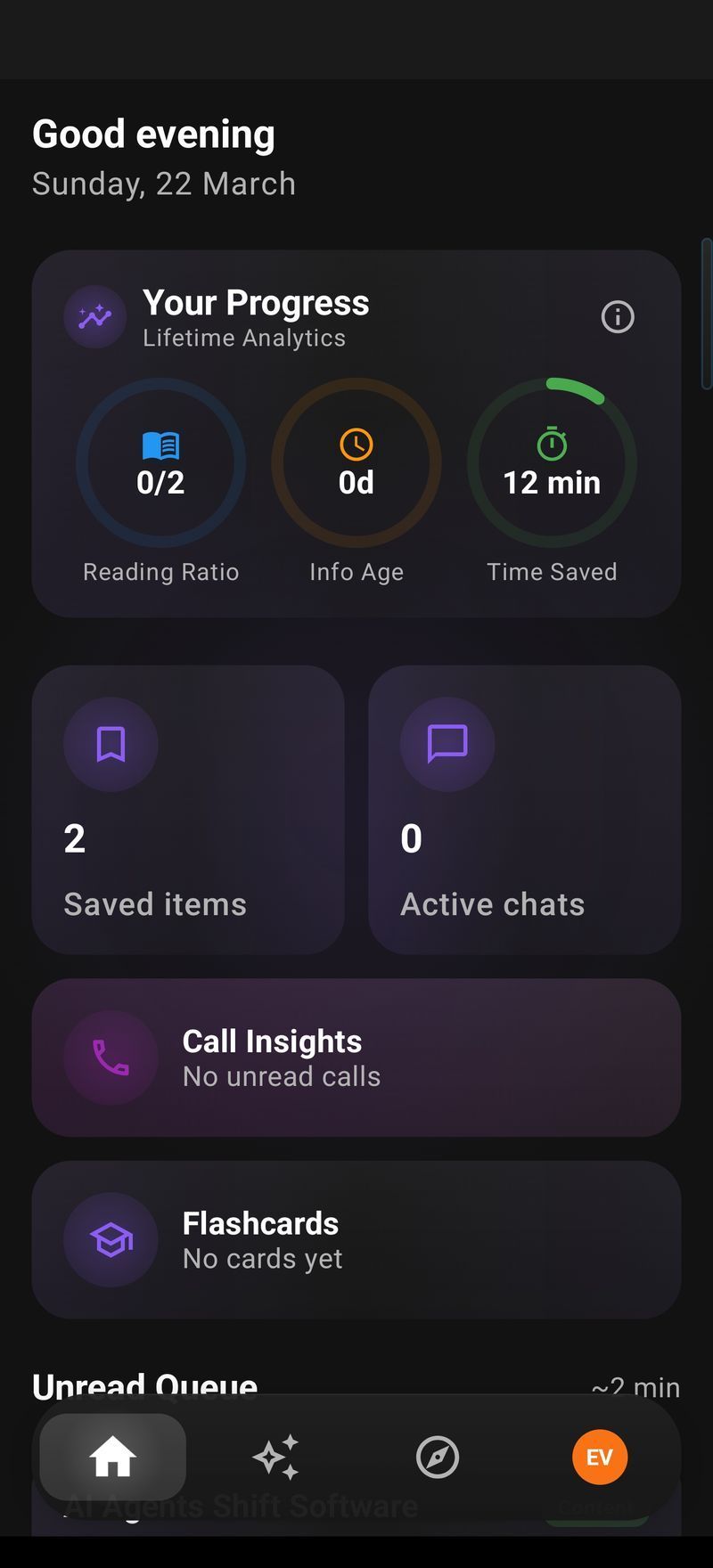
Open Arc, go to the Custom Actions tab, and tap the + button. Two options here.
The fast way: open Community Actions, search “fact,” and install a ready-made fact checker someone already published. One tap, done.
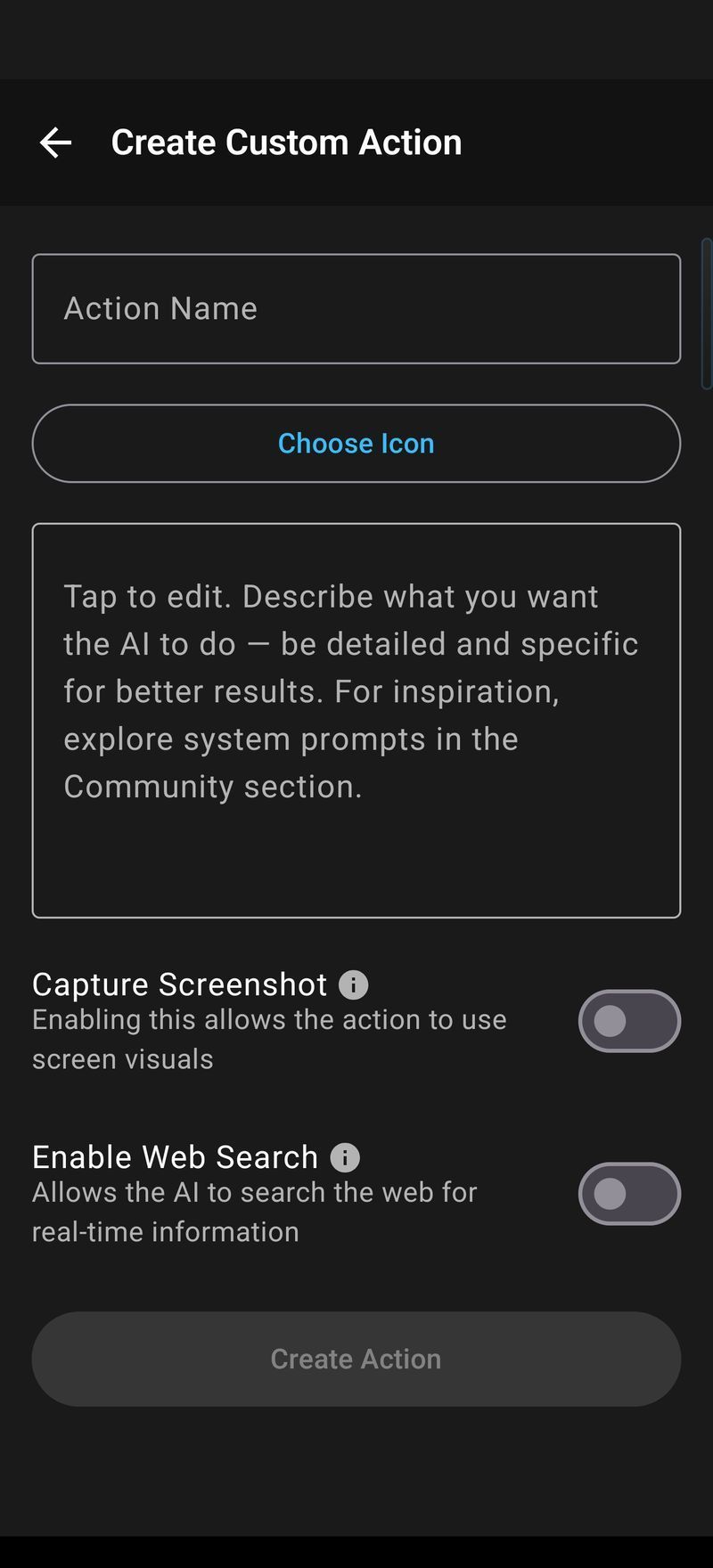
The better way (you control the behavior): create your own. Name it “Verify Facts,” pick the checkmark icon, and set the form exactly like this:
- Prompt: “Analyze the following text and verify the factual claims. List each claim, mark it as supported, contradicted, or unverified, and give a one-line reason for each verdict. If a claim is checkable against sources, say what to search for.”
- Enable Web Search: ON. This matters. Without it, the AI reasons only from training data. With web search enabled, Arc retrieves current sources at check time — a claim about last week gets checked against last week’s coverage, not a training cutoff from years ago.
- Enable Screenshot: OFF. Text is enough for fact checks. Turn it on only if you’re checking something visual, like a chart cropped to mislead.
Save, and the action appears in Arc’s floating sidebar — on every screen, in every app.
Step 3: One Tap to Fact Check Any App
The workflow that replaces the copy-paste loop entirely:
- Open anything — a WhatsApp forward, a news site, a LinkedIn post making bold claims.
- Expand Arc’s floating sidebar.
- Tap your “Verify Facts” action.
Arc grabs the on-screen text, runs the check with web search, and shows a claim-by-claim breakdown in a result panel. Nothing copied, nothing pasted, no app-switching. The whole cycle takes 5–10 seconds depending on how many claims the text contains.
A real result looks like this:
- Claim: “Drinking lemon water detoxes the liver” → Contradicted. Your liver detoxes itself; no food changes that. (Source search: “liver detox lemon water study”)
- Claim: “The new EU phone law bans chargers in the box” → Supported. EU rules standardize USB-C, but no charger ban exists. (Source search: “EU common charger directive”)
- Claim: “This supplement went viral in 2026” → Unverified. No reliable coverage confirms the framing.
No vague “this seems misleading.” Every claim separated, labeled, and justified.
Step 4: Push Back When the Verdict Feels Off
An AI fact checker app Android should start the conversation, not end it. After a check runs, tap “Chat” on the results panel to follow up with full on-screen context preserved: “which source did you use for the second claim?” “What would change the verdict?” “Find the original study.” Multi-turn chat keeps the thread, so you never re-explain what you were reading. That’s the difference between an answer and an investigation you can trust.
Set It Up Once, Fact Check Everywhere
The same Verify Facts action works in any app because it runs on whatever text Arc extracts from the screen: YouTube descriptions, Reddit threads with conflicting replies, Substack posts, product listings, a term-paper draft, forwarded text screenshots. With Web Search on, each check grounds itself in current sources.
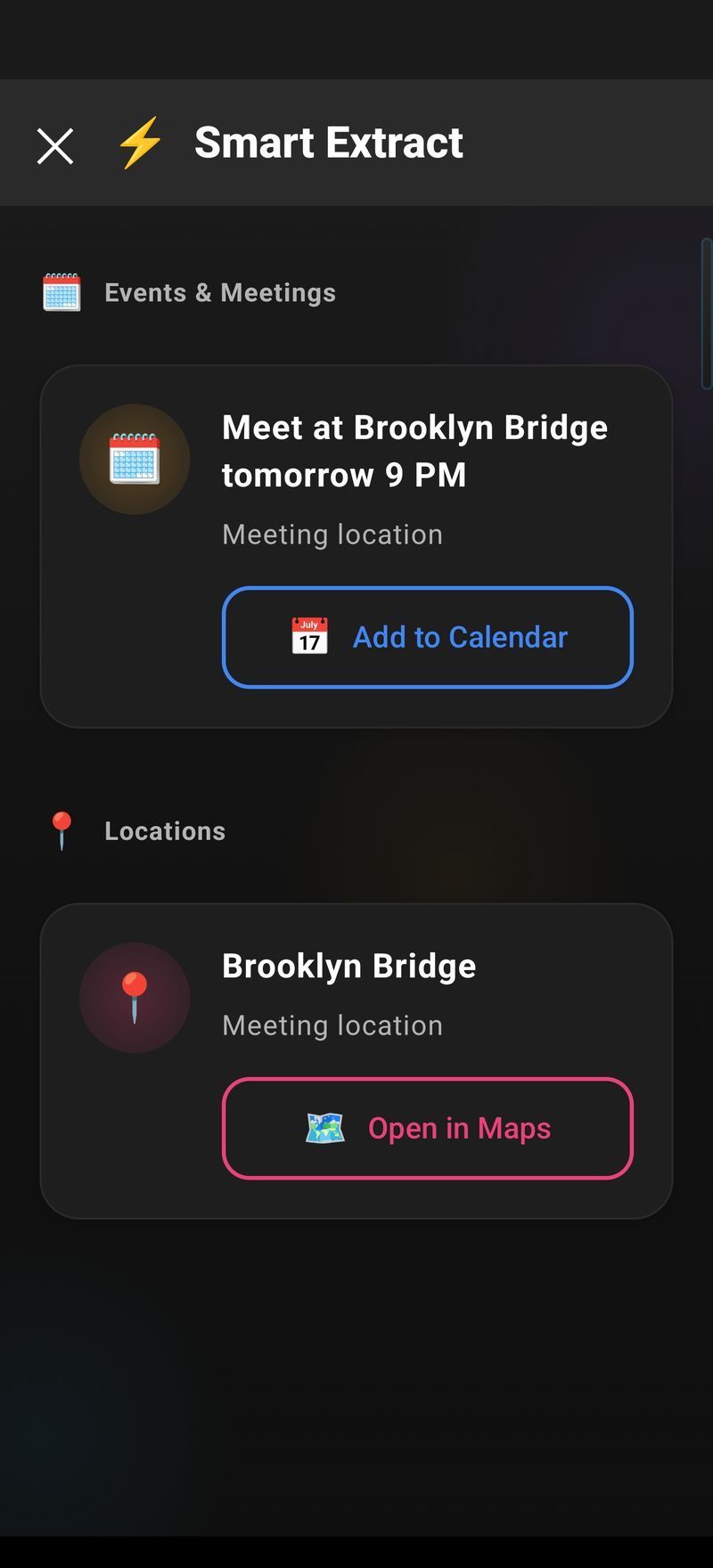
Fact-checking is also just one action in the pipeline. With AI Workflow Automation you can stack more: run Smart Extract to pull claims out of a long post, AI Summary & Reader to compress the rest, then Verify Facts on the extracted claims — one tap, in whichever app you started in.
Checklist: What a Good AI Fact Checker App Android Needs
If you’re comparing options in the Play Store, here’s the checklist I’d use after building and shipping Arc:
- Screen context, not just pasted text. Claims depend on surrounding paragraphs. A good AI fact checker app Android users trust reads the paragraph, not the fragment.
- Verdicts with reasons. “Mostly false” without a reason is a vibe, not a check. Demand claim-by-claim breakdowns.
- Real-time retrieval. A training cutoff is not a news source. Web-connected checks beat memory-only ones for anything recent.
- Zero copy-paste. Every extra step is a place you’ll abandon the check.
- Works in the app you’re already in. WhatsApp, Chrome, Gmail — the checker should come to you.
Arc hits all five. Most standalone fact checkers hit two or three, because they were designed around a paste box.
Verdict: The AI Fact Checker App Android Deserves
Honest answer from the indie-dev side: a standalone paste-box fact checker is easier to build, and dozens exist in the Play Store. But copy-paste is the weak link — it loses context and kills momentum, which is exactly why people stop verifying things.
Arc started as a screen assistant. The fact-checking action is one custom workflow among many: AI Summary & Reader compresses pages, AI Writer drafts replies, Smart Extract pulls structured data. Adding verification to a screen assistant means fact-checking happens where the reading happens — not in a separate app you open when you feel diligent. That’s the AI fact checker app Android has been missing.
FAQ
What’s the best free AI fact checker app Android users can get?
Arc is free on Google Play, and the fact-checking custom action is fully usable without paying. Community-made verification actions are free to install too. For quick manual checks, Google’s Fact Check Explorer (toolbox.google.com/factcheck) is a solid complement — it aggregates published fact-checks from professional outlets.
Is an AI fact checker app Android users rely on accurate without web search?
For anything recent or statistical, no. Web search lets the AI retrieve current sources at check time, so last week’s claims get verified against real coverage. Without it, the AI still catches logical inconsistencies and internal contradictions, but time-sensitive claims come back weaker — and a good result should say “unverified” rather than guess.
Is there a fact checker Chrome extension equivalent for Android?
On desktop, people install browser extensions. On Android, Arc does the same job and reaches beyond the browser: the floating sidebar works over Chrome, WhatsApp, Gmail, Reddit, and any other app, with one install instead of a per-extension setup. If what you want is “fact check whatever I’m reading,” an app-wide assistant is the broader version of that idea.
How fast does a screen-aware AI fact checker app Android run?
With Arc and Gemini Flash, a typical check on one article returns in 5–10 seconds. Long posts with many claims take a bit longer. The sidebar stays available while it works, so you can keep reading and come back to the panel.
Will Arc’s fact checker come to iPhone or Windows?
iOS and Windows versions are in development. The Windows build is expected to mirror the current macOS app — same fact check, summaries, and custom actions at a global shortcut. Meanwhile Arc on Android delivers the full workflow today, and Arc for Mac is already released with the same Verify-Facts setup at Control+Space.
Try Arc free on Google Play.