Smart Extract — Copy Anything From Any App
Text that won't select? Images with words? Arc reads the screen and pulls out contacts, dates, links, OTP codes and plain text — each with a one-tap action.
Point it at anything. Get the useful parts.
Smart Extract reads the current screen and surfaces every actionable item, prioritized so the most urgent come first. Each item carries a matched one-click action:
| Category | What it catches | One-tap action |
|---|---|---|
| 📅 Event | Meeting times, appointments, schedules | Add to Calendar — a real entry, not a link |
| 🔔 Reminder | "Don't forget to..." mentions | Set Reminder — with the exact time from the text |
| ⏰ Deadline | Due dates, expiry dates, cutoffs | Create Task or Set Reminder |
| 👤 Contact | Names, phone numbers, emails | Save Contact, Call, or Send Email |
| 🎥 Meeting link | Zoom, Meet, Teams URLs buried in text | Join Meeting |
| 📍 Location | Addresses, place names | Open in Maps |
| 🔐 OTP | Verification codes | Copy Code — before it expires |
Items are priority-ordered — the most urgent (an OTP about to expire, a meeting starting soon) surfaces first, so you act in the right order.
Verification codes, solved forever.
The modern annoyance: a code arrives, you memorize six digits, switch apps, and type it before it expires. On a small keyboard. Under time pressure.
With Arc: the code appears on screen, you invoke Smart Extract, and the OTP is copied to your clipboard verbatim — exactly as sent, no transcription errors, no expiry scramble. It's the single most-used extraction on the app, and once you've used it, there's no going back.
It works across SMS apps, email clients, authenticator screens, and web forms — anywhere the code is visible, Arc can copy it.
Copy text that won't select.
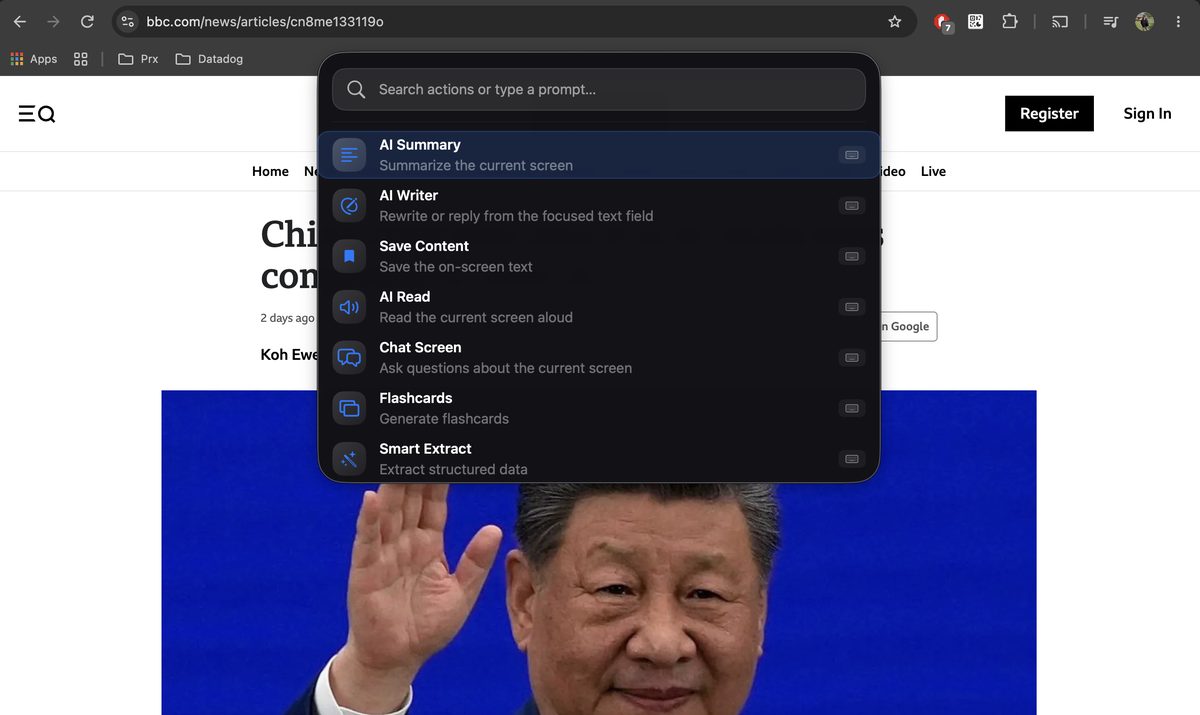
Some apps simply don't let you select text — webview containers, locked PDFs, certain messaging interfaces, scanned documents. Arc reads the screen directly with built-in OCR, so the words become copyable regardless of what the app allows.
On desktop, the same works over any window: PDFs in preview apps, text inside video subtitles, labels in design tools. If your eyes can read it, Arc can copy it.
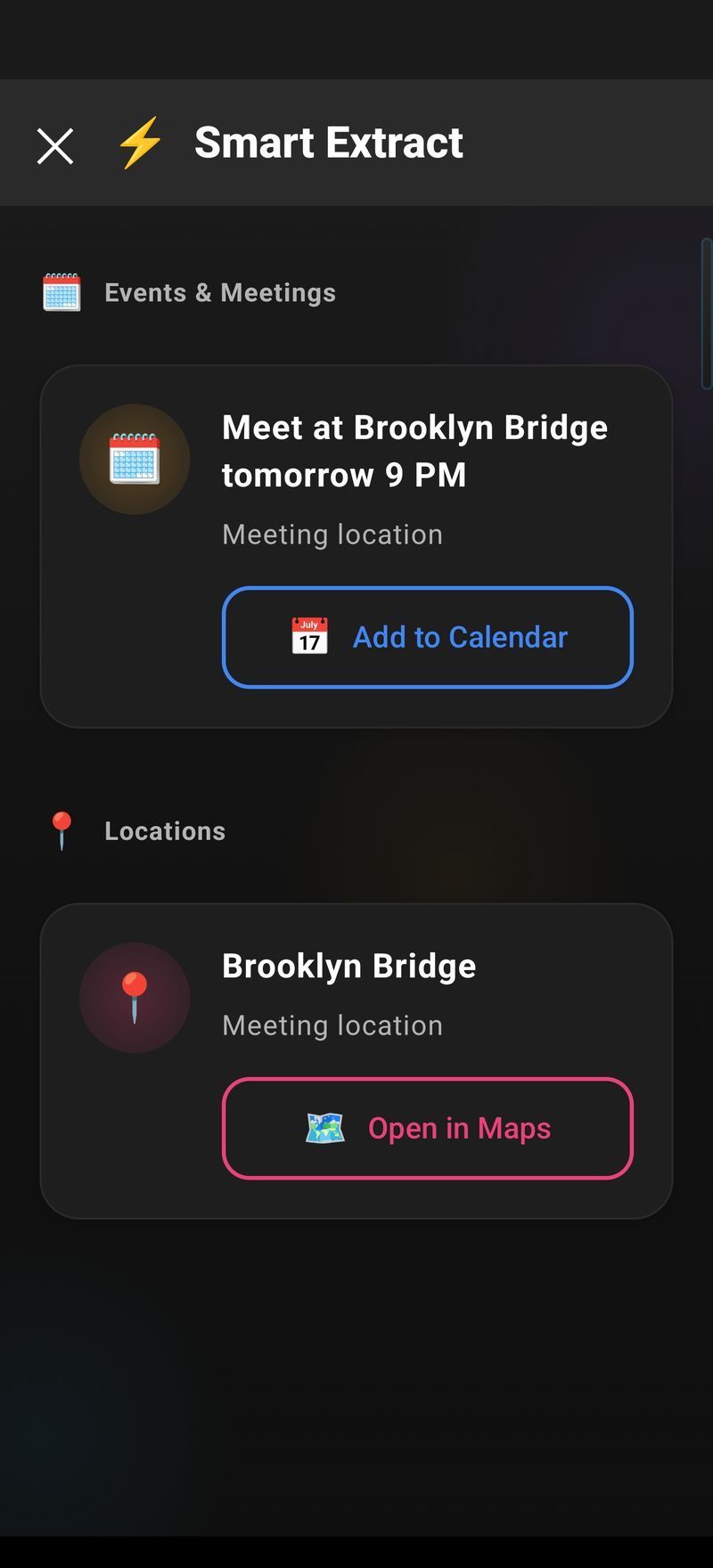
Region selection for noisy screens.
A screen full of chat bubbles, sidebars, and ads is full of noise. Smart Extract has a fix: region selection. Enable it in Settings → Screenshots ("Ask for region"), and Arc extracts only from the area you mark — a single table row, one message, one code block. The rest of the screen is ignored.
Extraction results are also real system actions — the calendar path creates an actual event entry through the platform's calendar API (EventKit on macOS, .ics on Windows), not a webpage link that hopes you finish the job.
The copy-paste problems this kills.
| Annoyance | Without Arc | With Arc |
|---|---|---|
| OTP in a notification | Memorize, switch, type before it expires | Tap to copy from screen |
| Text in an image/screenshot | Retype it by hand | Smart Extract reads it |
| Address in a chat | Select piece by piece | One tap → Maps |
| Meeting time in an email | Read, switch, create event | One tap → Calendar |
| App that blocks selection | Retype manually | Copy from screen |
Arc is live on Android and macOS today. Windows and iPhone versions are coming soon.
Never retype from a screen again.
Free download. Extract your first contact in 30 seconds.
Get Arc FreeCommon questions
Can Arc copy text from images?
Yes — Smart Extract reads text in images and screenshots using built-in OCR. Screenshot a menu, a form, or a locked PDF, and the text becomes selectable and copyable.
Does it work on apps that block text selection?
Yes — that's one of the most-loved uses. Arc reads the screen directly, so apps that prevent copying (some banking, ticketing, or webview apps) are no longer a dead end.
What item types can it extract?
Seven categories: events, reminders, deadlines, contacts, meeting links, locations, and OTP codes — plus plain text via OCR. Each with a matched one-tap action like Add to Calendar, Save Contact, or Copy Code.
Does the calendar action create real events?
Yes — Smart Extract integrates with the platform's actual calendar APIs (EventKit on macOS, .ics files on Windows). One tap creates a genuine entry, not a link.
Is the contact extractor free?
Yes — Smart Extract including contact extraction, OTP capture, and OCR is free with generous daily usage. Premium removes limits.
Is there an extract tool for Mac or Windows?
Arc for macOS is available now with region selection for precise extraction. The Windows version is coming soon.